Example polls
Paste any of these into the message box in Slack.
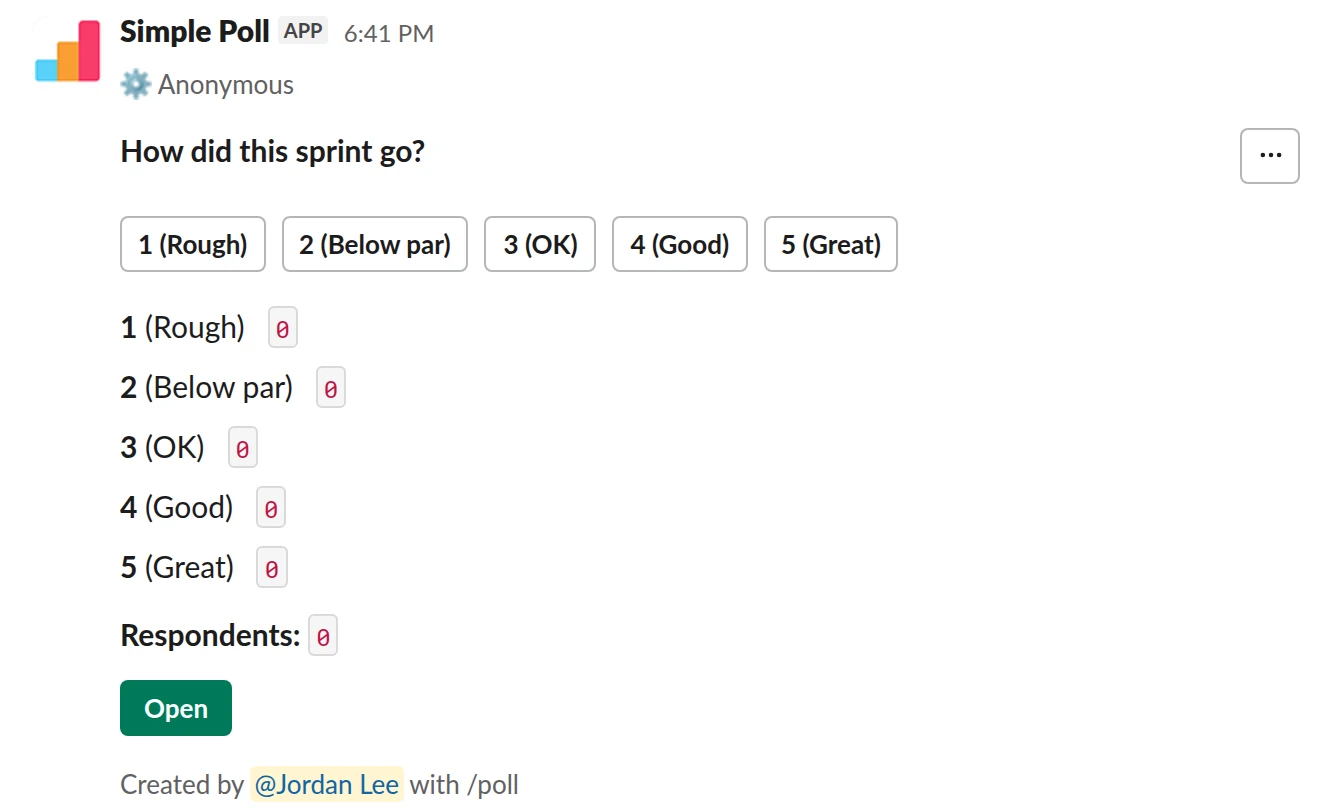
Scale from 1 to 5. The 10-second version. A single anonymous rating you can track sprint over sprint.
/poll "How did this sprint go?" "Rough" "Below par" "OK" "Good" "Great" scale anonymous
Free
Anonymous
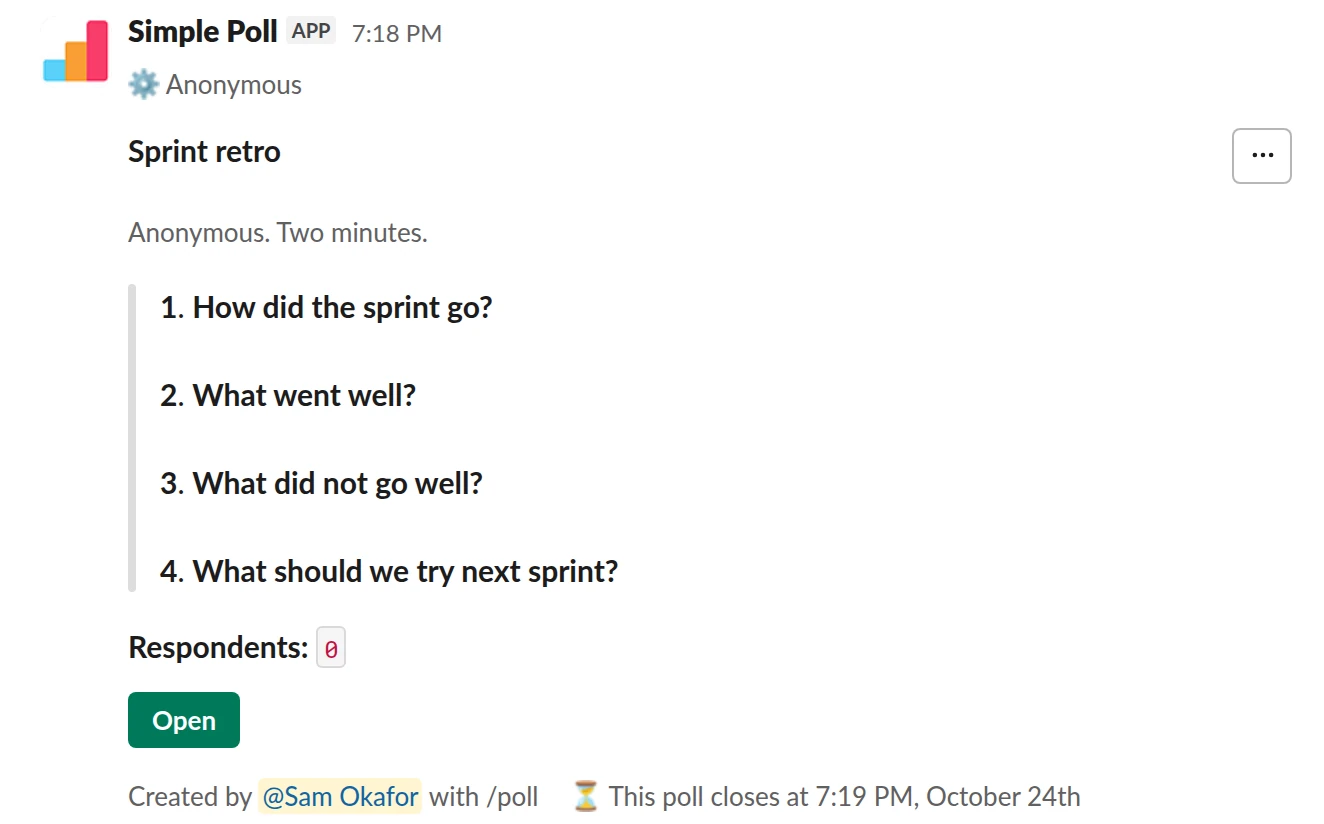
Survey (4 questions). The full retro as one anonymous survey that closes itself before the meeting.
/poll "Sprint retro" "Anonymous. Two minutes." anonymous close after 2 days --- "How did the sprint go?" scale --- "What went well?" short text --- "What did not go well?" short text --- "What should we try next sprint?" short text optional
Premium: surveys (several questions), closing automatically
AnonymousClose automatically: after 2 days
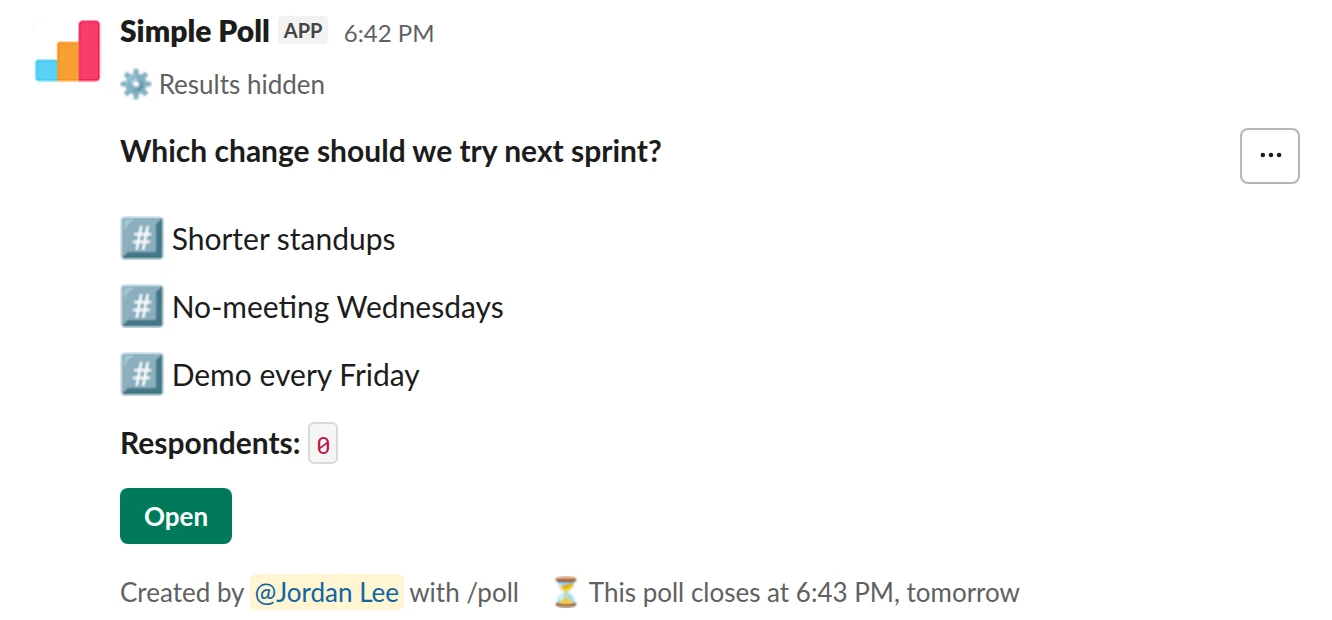
Ranked poll. The follow-up. Rank the top suggestions from the retro and commit to the winner.
/poll "Which change should we try next sprint?" "Shorter standups" "No-meeting Wednesdays" "Demo every Friday" ranked close after 1 day
Premium: closing automatically
Close automatically: after 1 day
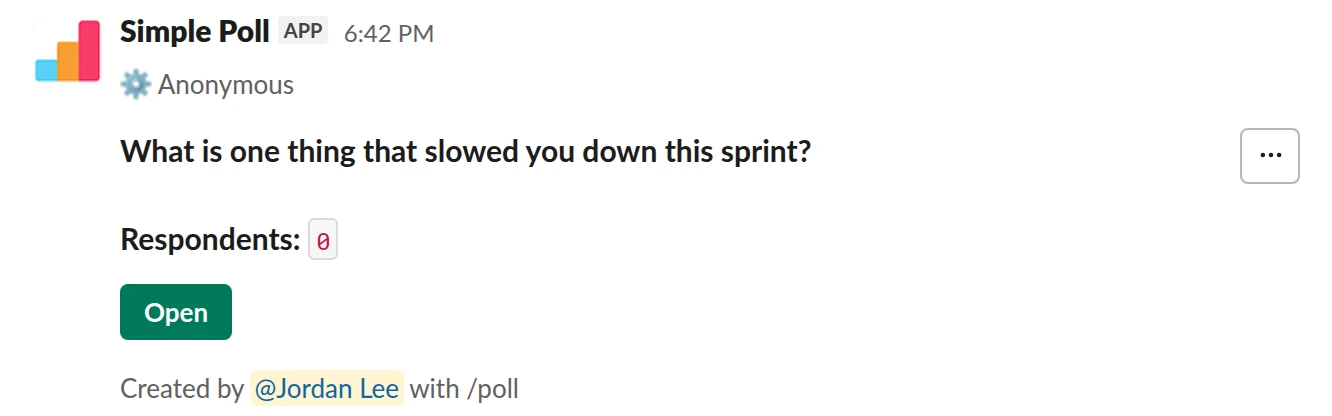
Short text with voting. One open question people can upvote, so the most shared problem rises to the top.
/poll "What is one thing that slowed you down this sprint?" short text :thumbsup: anonymous order-results-by-votes
Free
AnonymousOrder results: by most votes
How to word it
Keep it to three or four questions. The classic set works because each one asks for a different thing:
- How did the sprint go? A 1 to 5 rating. It gives you a number you can compare sprint to sprint.
- What went well? Free text. Name the sprint so answers stay specific.
- What didn't? Free text. Ask about the work, not about people.
- What should we try next sprint? Free text, optional. Not everyone has an idea every time, and a required box gets filler.
Make the whole retro anonymous. A retro is feedback, and named feedback on a bad sprint
gets polite answers.
When to send it
Post it the morning of the last sprint day and close after 1 day or close after 2 days
(Premium), so it closes before the retro meeting. Closing it matters: answers settle, and
nobody adds a late comment while you are presenting.
If the team is spread across time zones, add remind 2 hours before closing (Premium) so
the late half of the team sees it again.
What to do with the results
Read every answer, group them into a handful of themes, and count them. Bring the themes to the meeting, with one or two answers quoted word for word. Don't try to work out who wrote what. If people suspect you do, the next retro will be empty.
End with a decision. Take the top three suggestions and run a ranked vote so the team picks one change to try. One change that sticks beats five that don't.
The mistake people make
Collecting the same feedback every sprint and never acting on it. If "too many meetings" tops the list three sprints running, the retro has stopped working. Open the next poll's description with what you changed since the last one.
Questions
Can the retro be fully anonymous?
Yes. Add anonymous and nobody sees who answered what, including you as the creator.
That applies to every question in a survey.
Do I need Premium for a retro poll?
A single rating or a single free-text question works on Free. A multi-question survey,
close after and reminders are Premium. You can try them with a 14-day free trial:
type /simplepoll trial in Slack. See pricing.
Can I run it automatically every sprint?
Yes, on Premium. Recurring polls are set up from the Simple Poll modal in Slack, not in
the /poll text. See how to create a recurring poll.
How do I get the answers out of Slack?
On Premium, the poll's creator can export the results as a CSV from the poll's settings.
Used by
Related
- What is a retrospective?
A retrospective is a meeting at the end of a piece of work where the team looks at how it worked, not what it built, and picks changes to try next time. In Scrum it closes every sprint.
- How to create a survey in Slack
A survey in Simple Poll is one Slack message with several questions behind it. People click the survey's Open button, answer in a pop-up without leaving Slack, and you get the results in the same place. Surveys are a Premium feature, with up to 20 questions each.
- How to create an anonymous poll in Slack
An anonymous poll in Simple Poll hides who voted for what from everyone, including the person who created it. The poll still counts every vote and shows the totals. It's free on every plan.
- Team mood check-in poll for Slack
When you want an early, honest signal on how the team is feeling, before it shows up as missed deadlines or resignations.
- Slack polls for engineering teams
Engineers will answer a poll if it takes ten seconds and replaces a meeting. They will ignore one that reads like an HR form. The polls that stick in engineering channels are short, tied to the sprint, and end in a decision someone acts on.