Step by step
-
Write the poll and add hide results
Add
hide resultsafter the last quote:/poll "Which day works best for the weekly meeting?" "Monday" "Wednesday" "Friday" hide results. -
Or pick Hidden until poll closes in the form
Type
/pollon its own and press Enter. Under Show results of the poll, pick Hidden until poll closes (on Premium it reads Only visible to you). -
Post it
While it's open, the poll shows how many people have responded and, unless it's anonymous, who, but not how anyone voted. Voters can check or change their own vote from the poll's Open button.
-
Close the poll to reveal the results
When you're ready, click the poll's green Open button, then Poll settings, then Close. On Free, closing reveals the results to everyone. On Premium, tick Reveal the results when you close it.
Example polls
Paste any of these into the message box in Slack.
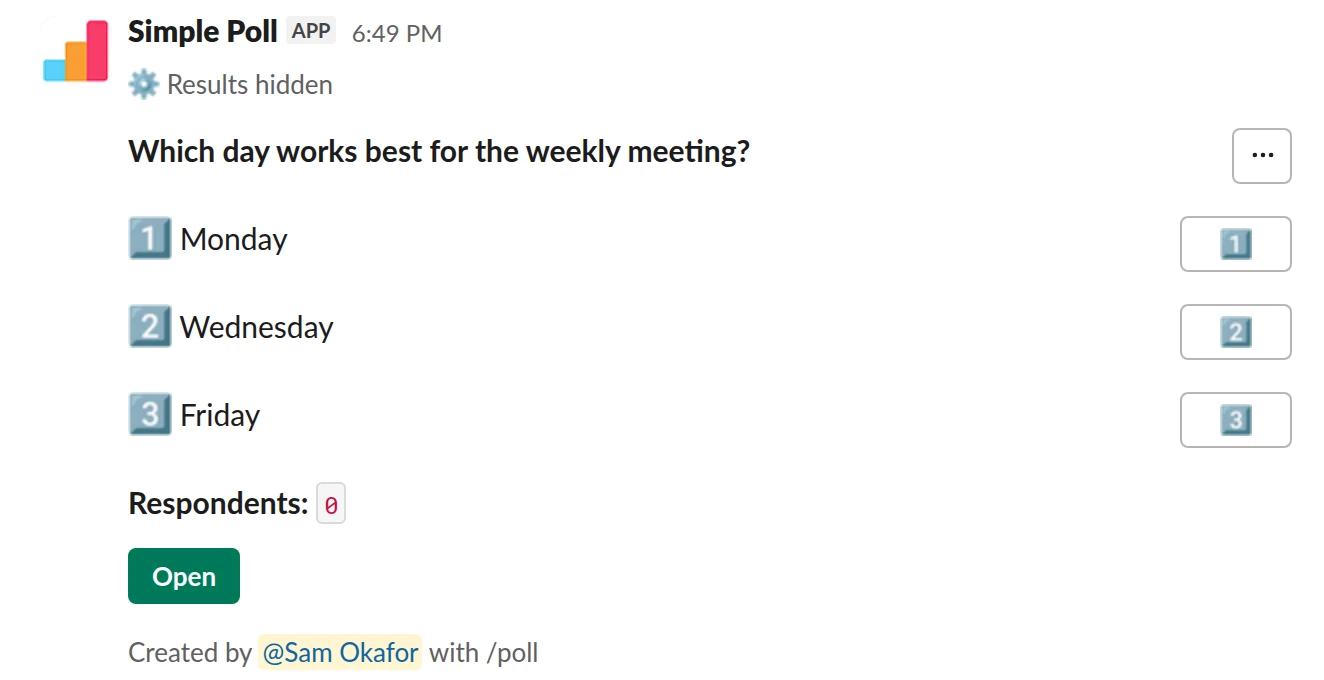
Choice poll. Results stay hidden until you close it. Free.
/poll "Which day works best for the weekly meeting?" "Monday" "Wednesday" "Friday" hide results
Free
Show results: hidden until poll closes
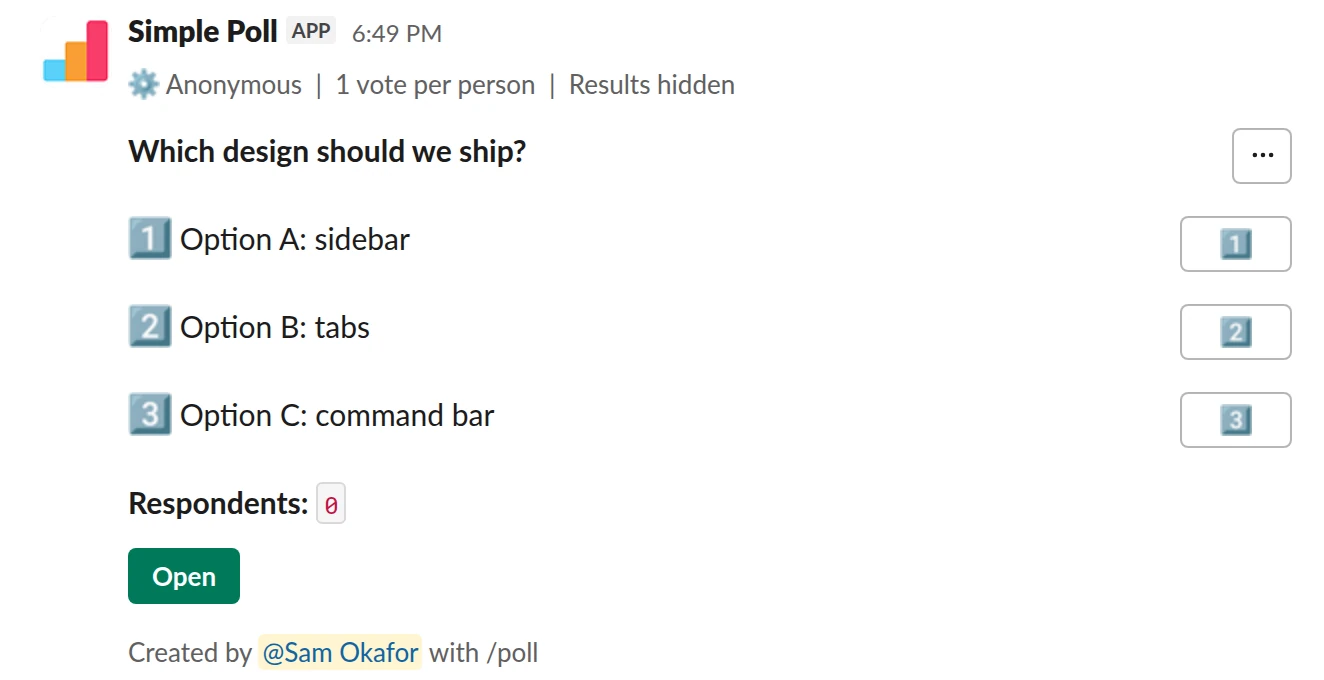
Choice poll. A blind, anonymous, one-vote design review (Premium).
/poll "Which design should we ship?" "Option A: sidebar" "Option B: tabs" "Option C: command bar" hide results anonymous limit 1
Premium: vote limits
AnonymousLimit votes: 1 per personShow results: hidden until poll closes
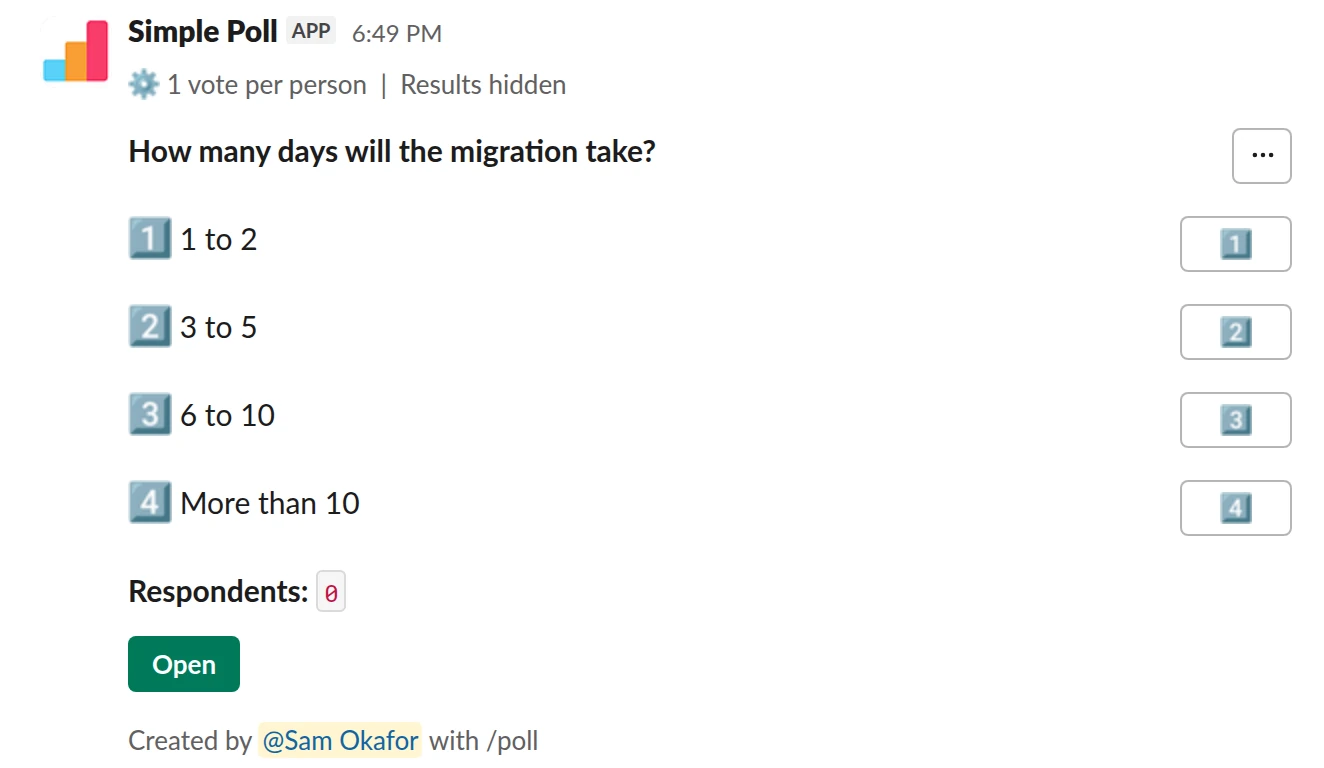
Choice poll. An estimate nobody can copy, with a reminder so you remember to close it (Premium).
/poll "How many days will the migration take?" "1 to 2" "3 to 5" "6 to 10" "More than 10" hide results limit 1 remind 1 day after posting
Premium: vote limits, reminders
Limit votes: 1 per personShow results: hidden until poll closesReminder: 24 hours after posting
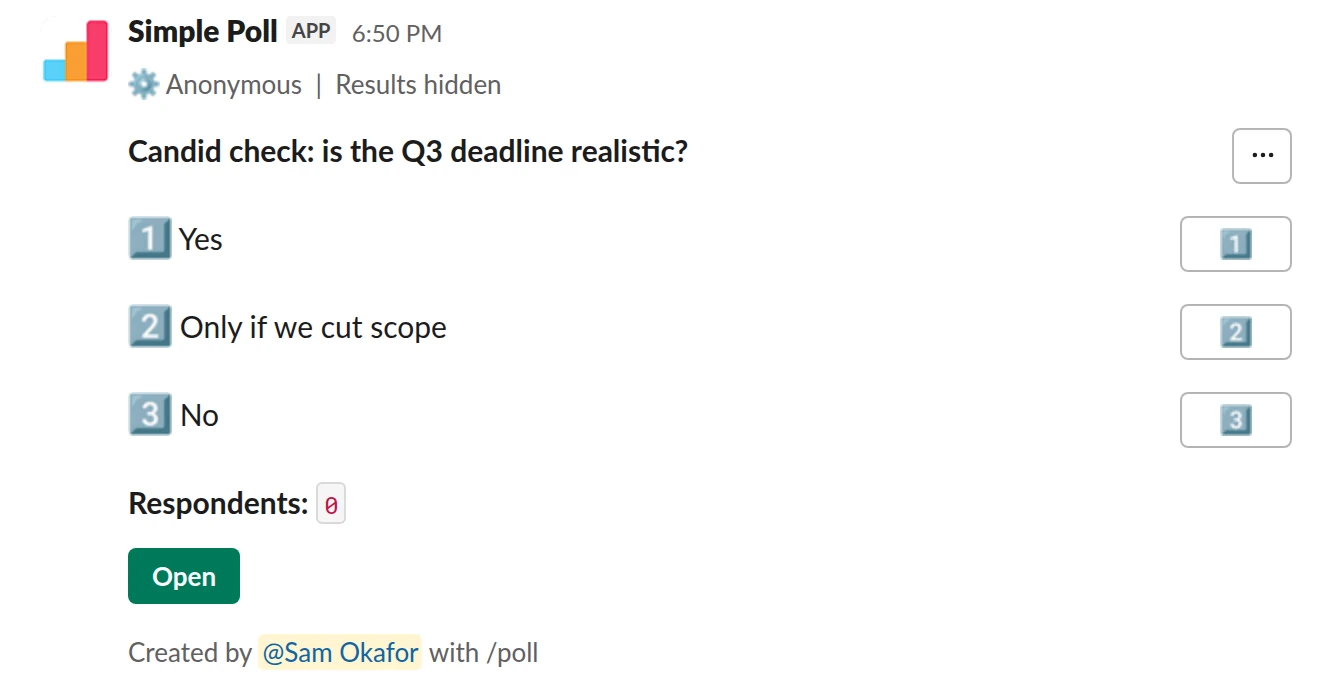
Choice poll. Results for your eyes only (Premium).
/poll "Candid check: is the Q3 deadline realistic?" "Yes" "Only if we cut scope" "No" show results to creator anonymous
Premium: results for the creator only
AnonymousShow results: only visible to you
Who sees what, and when
- Voters see how many people have responded while the poll is open, and their own votes. They see the full results once the poll is closed and the results revealed.
- You, the creator, can see the results while it's open on Premium. On Free, nobody sees them until the poll is closed.
- Anyone you share them with in Slack sees them too (Premium).
If you want the results seen by you alone, with no reveal planned, use show results to creator (Premium) instead of hide results.
The one trap with automatic closing
On Premium, a hidden-results poll that closes on its own with close after keeps its results hidden. The reveal happens when you close the poll yourself and tick Reveal the results. In the poll form you can instead set Reveal results when closing automatically to Yes.
So for a vote where everyone should see the outcome, either close it by hand when the time is up, or let it close itself and post the result yourself. Set a reminder so you don't forget either way.
When to hide results
- Decisions where the first few votes would anchor the rest: design reviews, award votes, a vote on a proposal from someone senior.
- Estimates and predictions: planning-poker style "how many days will this take?" questions are worthless if people can copy the first answer.
- Feedback, together with
anonymous: people answer for themselves instead of matching the room.
Don't bother for logistics. Seeing that Thursday is winning helps people plan.
Which poll types can hide results
Choice, scale and short text polls and surveys can hide results. q&a polls and short text polls with a voting reaction can't, because people need to see the answers to vote on them. Ranked polls hide the order from voters until the poll closes anyway, so they don't need it.
Questions
Can voters see anything while results are hidden?
They see how many people have responded (and who, unless the poll is anonymous) and, through the poll's Open button, their own choices. They can change their vote until the poll closes.
Can I close the poll without showing the results?
Yes, on Premium. Leave Reveal the results unticked when you close it, and the results stay visible only to you and anyone you shared them with. On Free, closing always reveals them.
Is hiding results free?
Yes. hide results works on every plan. show results to creator is Premium.
Can I hide results in a survey?
Yes. Put hide results in the survey header and it covers every question. Respondents can't see the results in the survey pop-up until you reveal them.
Related
- How to close a Slack poll automatically
A poll that never closes never quite decides anything: votes trickle in, the result shifts, and nobody knows when to act. An automatic close fixes the deadline up front. In Simple Poll you add close after and a duration, and the poll closes on its own. Automatic closing is a Premium feature; anyone can close their own poll by hand.
- How to create an anonymous poll in Slack
An anonymous poll in Simple Poll hides who voted for what from everyone, including the person who created it. The poll still counts every vote and shows the totals. It's free on every plan.
- How to create a poll in Slack
Slack has no poll button of its own. Its help centre suggests two routes: install a polling app, or post a message and ask people to vote with emoji reactions. This guide covers the app route with Simple Poll, used by 945,000+ teams, because it gives you a real poll: counted votes, anonymous voting, one-vote limits and a clean result.
- Design review vote for Slack
When you have two to four design directions and want fast, structured input from the team before you commit to one.
- Team awards voting poll for Slack
When you want the team to choose who gets recognised, for quarterly awards, end-of-year superlatives or a peer shout-out.