Example polls
Paste any of these into the message box in Slack.
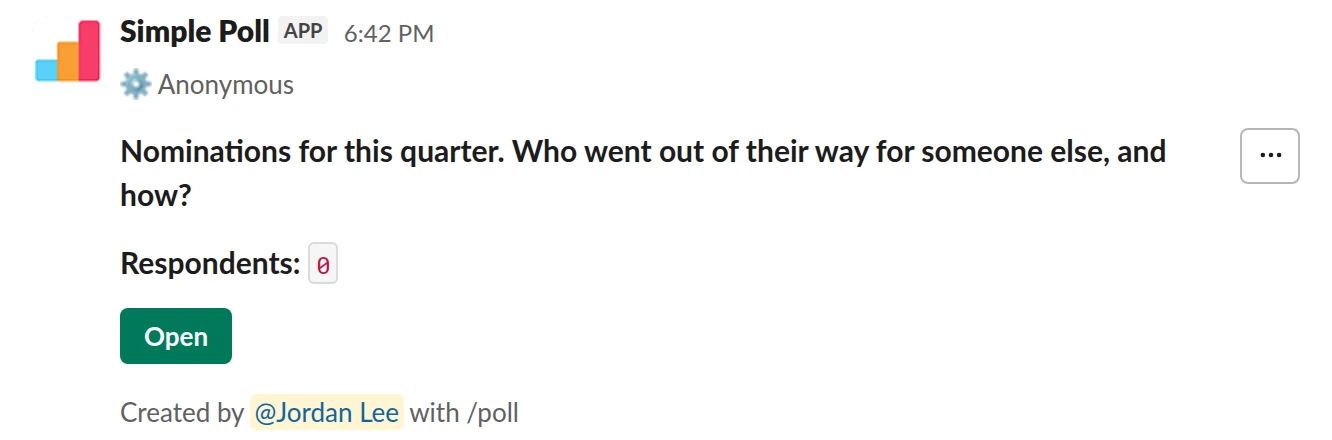
Short text. Collect anonymous nominations with a reason. Answers show without names.
/poll "Nominations for this quarter. Who went out of their way for someone else, and how?" short text anonymous
Free
Anonymous
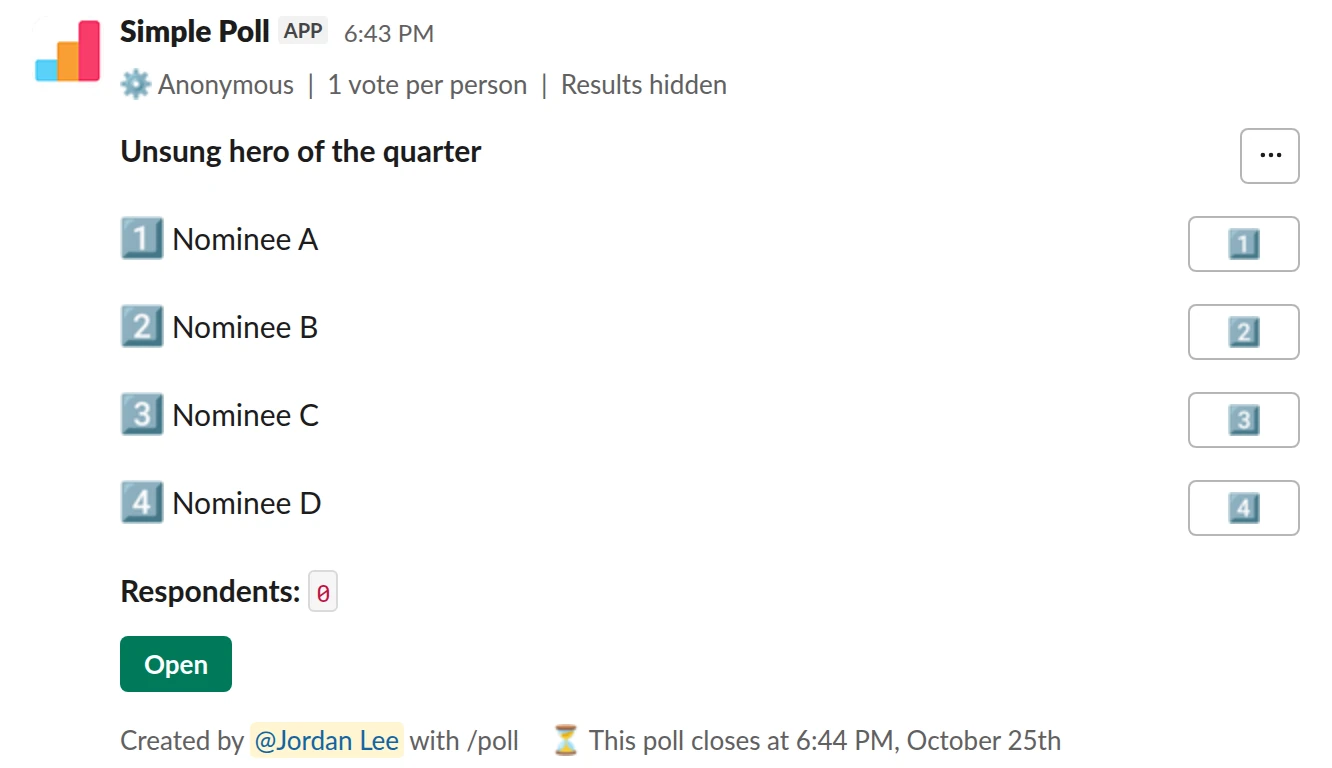
Choice poll. The final vote. One vote each, anonymous, and only you see the count.
/poll "Unsung hero of the quarter" "Nominee A" "Nominee B" "Nominee C" "Nominee D" anonymous limit 1 show results to creator close after 3 days
Premium: vote limits, closing automatically, results for the creator only
AnonymousLimit votes: 1 per personShow results: only visible to youClose automatically: after 3 days
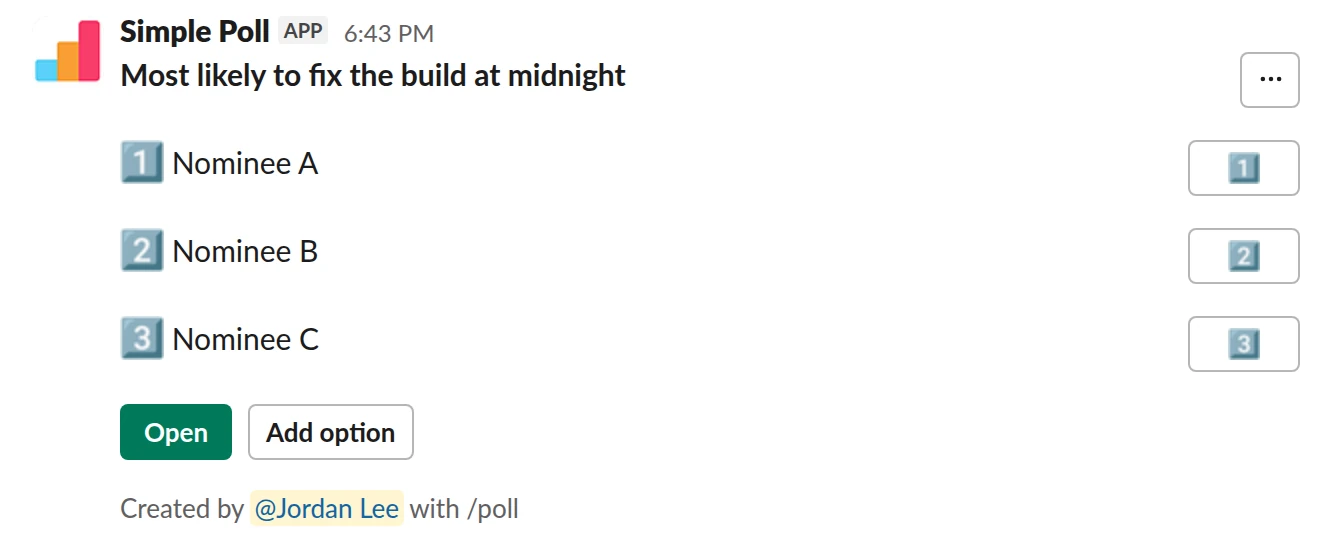
Choice poll. A light superlative. Named votes, open to new nominees.
/poll "Most likely to fix the build at midnight" "Nominee A" "Nominee B" "Nominee C" allow-options
Free
Allow options
Nominations
Ask for nominations with a reason. "Who went out of their way for someone else this quarter, and how?" gets you a story you can read out. A bare name gets you a popularity contest.
Collect them with an anonymous short text poll. Answers in a short-text poll are visible to the channel, just without names. That is usually a feature: reading why colleagues were nominated is half the point. If a category is sensitive, skip the public nomination round and go straight to the final vote.
The final vote
Take the three to five most-nominated people into a single-choice poll: anonymous, limit 1, show results to creator and a fixed close (all but anonymous are Premium). Nobody sees the count, so nobody campaigns, and the reveal still lands.
Don't list one person in more than one category. If someone is a clear winner everywhere, pick the category that fits best.
Superlatives
End-of-year superlatives ("Most likely to fix the build at midnight") are lighter. Named votes and visible results are fine, and allow-options lets people add a nominee you missed. Keep them kind; skip anything that could land as a joke at someone's expense.
The announcement
Announce in the team meeting or channel, read out one or two nomination reasons, and thank every nominee by name. Don't publish the vote counts for close categories; second place by one vote is a strange thing to read about yourself.
Questions
Can voters see who is winning?
Not with show results to creator (Premium). Only you, and anyone you share the results with in Slack, see the count. On Free, hide results keeps the count hidden until you close the poll in Slack.
Can I see who voted for whom?
Not in an anonymous poll. Nobody, including the poll creator, sees who answered what.
How many nominees can go in one vote?
Up to 5 on Free and up to 45 on Premium. For an award, three to five finalists is the sweet spot.
Used by
Related
- How to create an anonymous poll in Slack
An anonymous poll in Simple Poll hides who voted for what from everyone, including the person who created it. The poll still counts every vote and shows the totals. It's free on every plan.
- How to hide poll results until the poll closes
When people can see a running tally, they tend to pile onto the leading option or skip voting once the result looks settled. Hiding the results until the poll closes gets you each person's own answer. In Simple Poll it's one keyword, and it works on every plan.
- Hackathon voting poll for Slack
When you are running an internal hackathon and need a fair, quick way to pick a theme, a people's choice winner and judges' scores.
- Holiday party planning poll for Slack
When you are organising an end-of-year party and want the date, format and details settled by the people who will be there.
- Slack polls for HR and People teams
People teams ask the whole company for input more than anyone else, which makes them the first to burn out a channel with surveys. The fix is a small, predictable calendar: a few polls with a clear job each, sent at the same rhythm, with results that go somewhere.