Step by step
-
Write the poll
Put the question and options in double quotes:
/poll "Which venue for the team dinner?" "Thai place" "Pizza place" "Ramen bar". -
Add close after and a duration
Add
close after 1 day(or another allowed duration) after the last option. -
Add a reminder before it closes
Add
remind 2 hours before closingand Simple Poll reposts the poll at the bottom of the channel before the deadline. -
Post it
Check the preview and click Create Poll. The poll closes on its own when the time is up, and voting stops.
Example polls
Paste any of these into the message box in Slack.
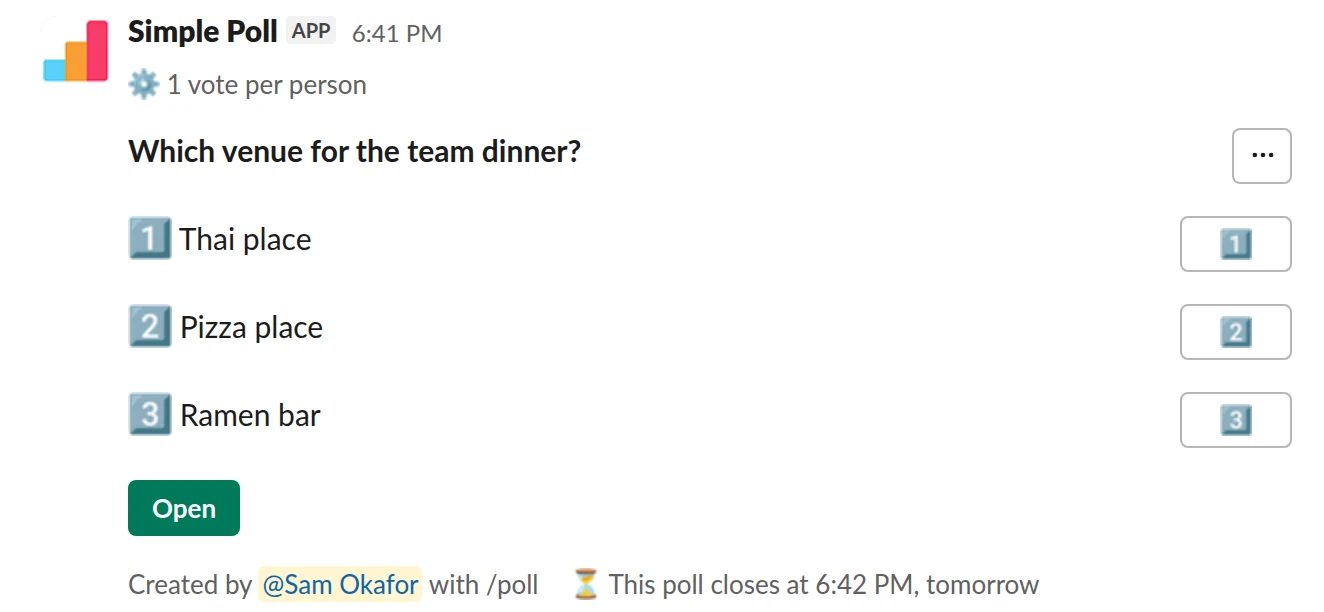
Choice poll. One vote each, a one-day deadline, and a last call (Premium).
/poll "Which venue for the team dinner?" "Thai place" "Pizza place" "Ramen bar" limit 1 close after 1 day remind 2 hours before closing
Premium: vote limits, closing automatically, reminders
Limit votes: 1 per personClose automatically: after 1 dayReminder: 2 hours before closing
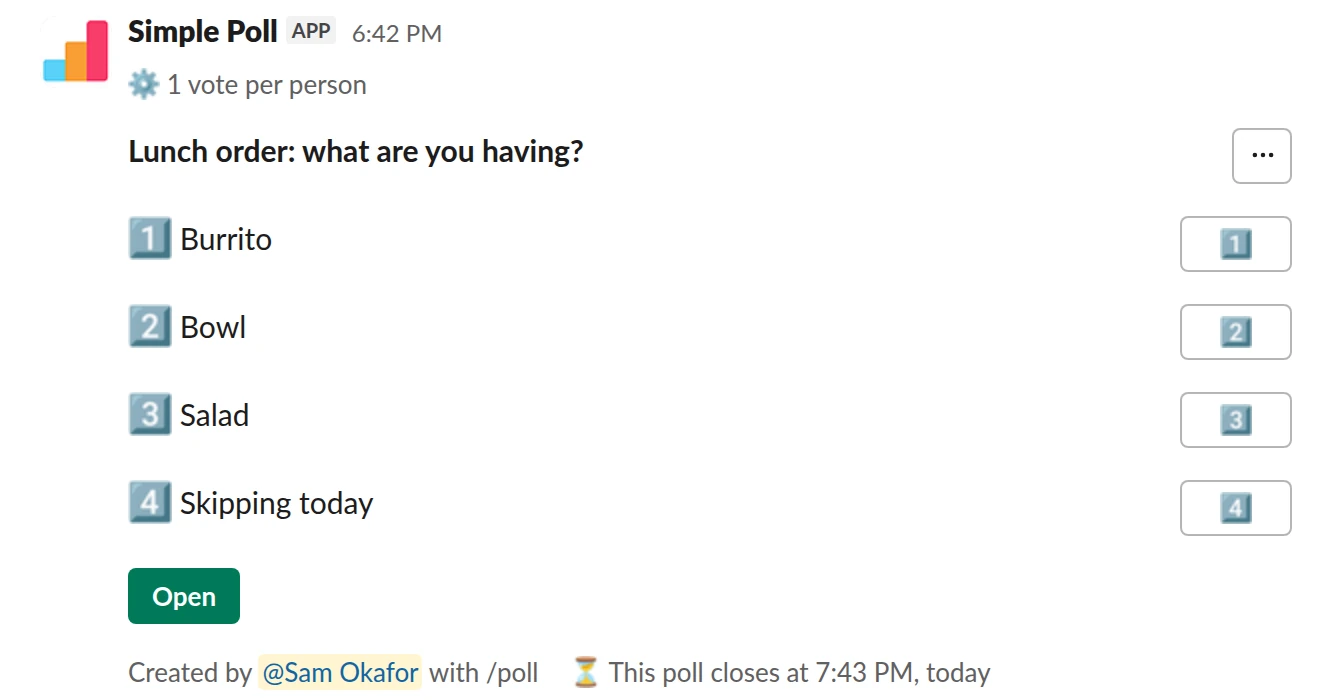
Choice poll. A same-day order that closes in an hour (Premium).
/poll "Lunch order: what are you having?" "Burrito" "Bowl" "Salad" "Skipping today" limit 1 close after 60 minutes remind 15 minutes before closing
Premium: vote limits, closing automatically, reminders
Limit votes: 1 per personClose automatically: after 1 hourReminder: 15 minutes before closing
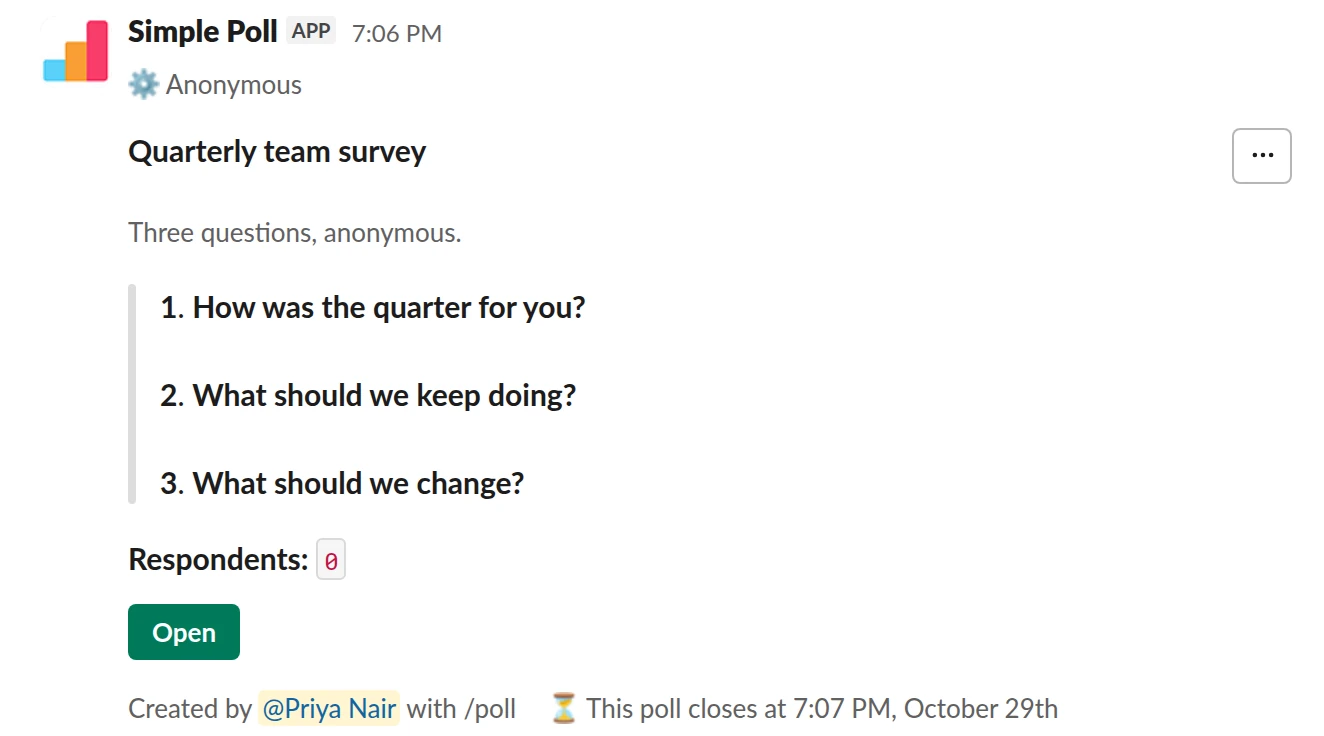
Survey (3 questions). A survey with a week to answer and a reminder the day before it closes (Premium).
/poll "Quarterly team survey" "Three questions, anonymous." anonymous close after 7 days remind 1 day before closing --- "How was the quarter for you?" scale --- "What should we keep doing?" short text optional --- "What should we change?" short text optional
Premium: surveys (several questions), closing automatically, reminders
AnonymousClose automatically: after 7 daysReminder: 24 hours before closing
Close times you can use
- Minutes: 10, 30 or 60.
- Hours: 1, 2, 3, 4, 5, 6, 12 or 24.
- Days: 1, 2, 3 or 7.
Write them as close after 30 minutes, close after 6 hours, close after 2 days. Abbreviations like 30 mins and 12 hrs work too. Other values aren't recognised, so close after 5 days won't close the poll. The /poll text can't close at a set clock time.
Pick the right deadline
Give people one working day for most decisions: close after 1 day means everyone sees it at some point in their day, across time zones. Use hours for same-day logistics like lunch orders, and 3 to 7 days for surveys and anything that needs thought.
Too long is as bad as too short. A week-long poll usually gets most of its votes in the first day and then sits there.
Reminders that bring votes in
Most polls slide out of view within an hour in a busy channel. A reminder reposts the poll at the bottom so late voters see it:
remind 1 hour before closing: the last call. Needsclose after, and must fall before the close.remind 2 hours after posting: a nudge for people who missed it the first time.
Reminder times: 5, 10, 15, 30 or 60 minutes; 1, 2, 3, 12 or 24 hours; or 1 day.
Close, announce or reopen by hand
To close a poll yourself, click its green Open button, then Poll settings, then Close. You can close it and announce the results, or on Premium close it quietly without announcing them. Once closed, the options disappear and people are told the poll has closed.
To reopen it, click the poll's Results button, then Poll settings, then Reopen. Only the poll's creator can close or reopen it.
Closing a poll with hidden results
If the poll uses hide results, an automatic close keeps the results hidden. To reveal them, close the poll yourself and tick Reveal the results, or build the poll in the form and set Reveal results when closing automatically to Yes. See hiding results.
Questions
Is automatic closing free?
No, close after is Premium. On Free you can still close any poll you created by hand. Start a 14-day trial with /simplepoll trial.
Can I close a poll at a specific date and time?
Not from the /poll text. Pick the duration that lands closest to your deadline, or close the poll by hand.
What happens to votes when a poll closes?
They're kept, and the result stays on the poll. Nobody can vote, change or remove a vote until you reopen it.
Who can close a poll?
Only the person who created it.
Related
- How to hide poll results until the poll closes
When people can see a running tally, they tend to pile onto the leading option or skip voting once the result looks settled. Hiding the results until the poll closes gets you each person's own answer. In Simple Poll it's one keyword, and it works on every plan.
- How to schedule a poll in Slack
A scheduled poll is written now and posted later, at a time when people will see it: Monday at 9am rather than Friday at 6pm. Simple Poll can schedule a poll from the /poll text or from the poll form. Scheduling is a Premium feature, though it also works on Free for the whole of December.
- How to limit votes in a Slack poll
By default, a Simple Poll lets each person pick as many options as they like. That's right for "which days can you make?" and wrong for "which date should we pick?". A vote limit caps how many options each person can choose: limit 1 for single choice, limit 2 or more for "pick your top two". Vote limits are a Premium feature.
- Launch date poll for Slack
When a release or launch needs a date the whole team can commit to, or a clear go or no-go before you ship.
- What is a quorum?
A quorum is the minimum number of members who must take part, by attending a meeting or by voting, for a group's decision to count. Under Robert's Rules of Order, the default is a majority of the entire membership unless the group's own rules set another number.