Example polls
Paste any of these into the message box in Slack.
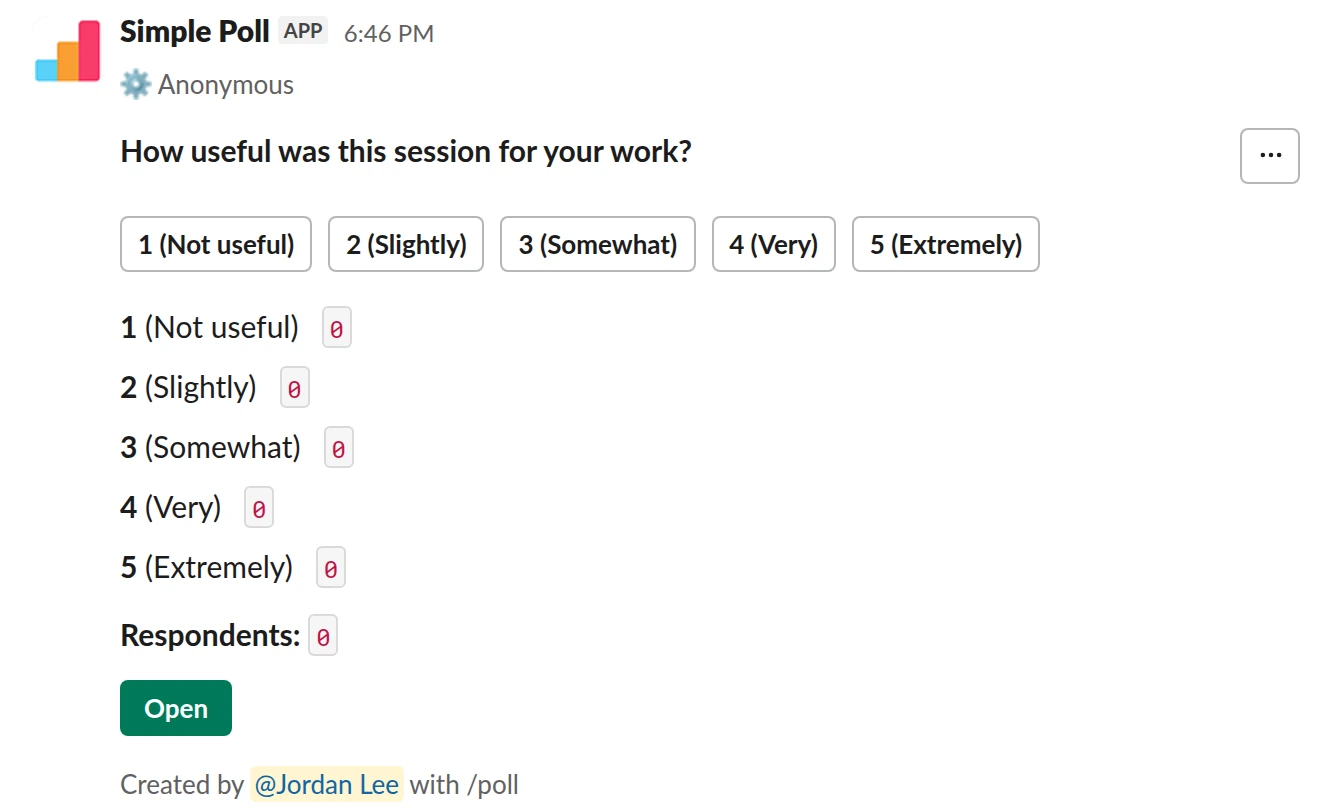
Scale from 1 to 5. The one-question version, on Free. Post it as the session ends.
/poll "How useful was this session for your work?" "Not useful" "Slightly" "Somewhat" "Very" "Extremely" scale anonymous
Free
Anonymous
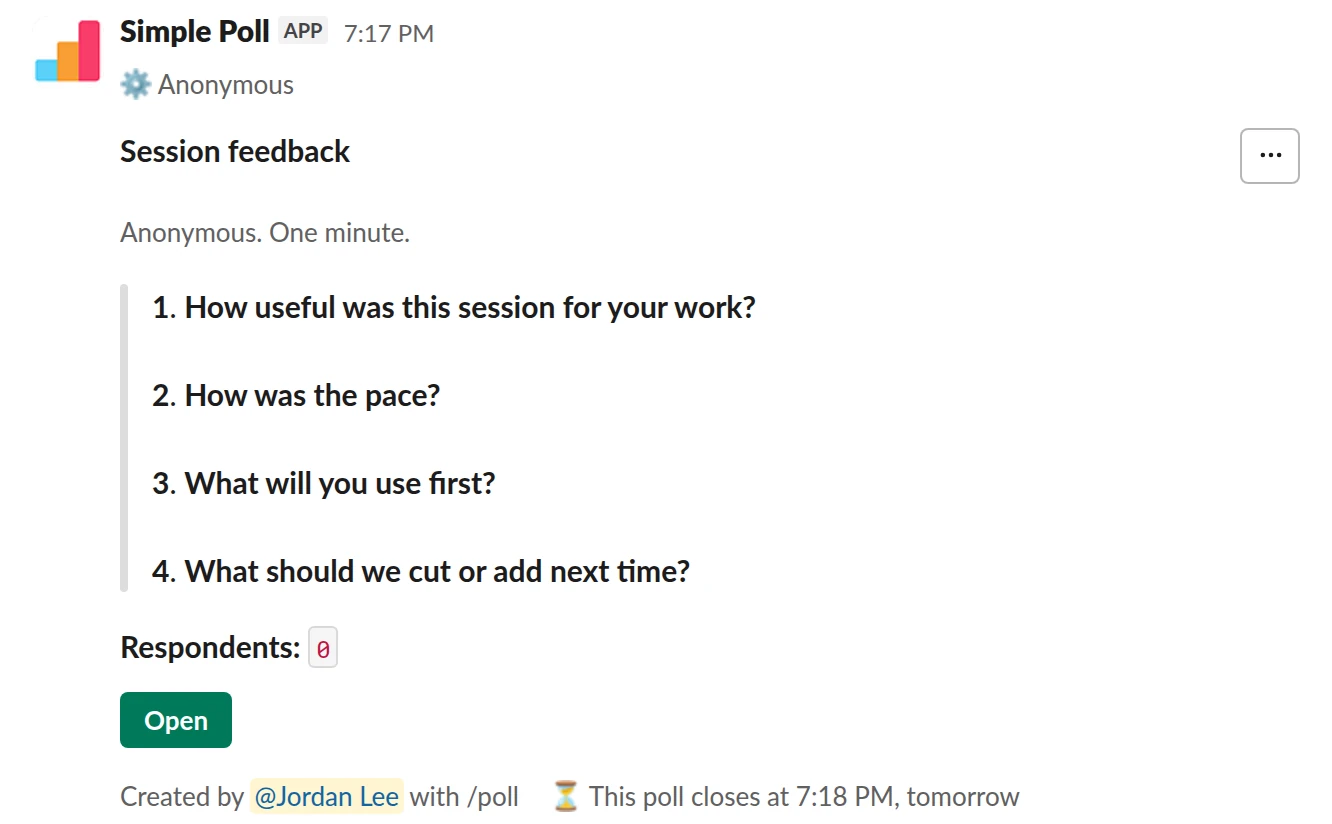
Survey (4 questions). The full training survey. Ratings plus two open questions.
/poll "Session feedback" "Anonymous. One minute." anonymous close after 1 day --- "How useful was this session for your work?" scale --- "How was the pace?" "Too slow" "About right" "Too fast" limit 1 --- "What will you use first?" short text --- "What should we cut or add next time?" short text optional
Premium: surveys (several questions), closing automatically
AnonymousClose automatically: after 1 day
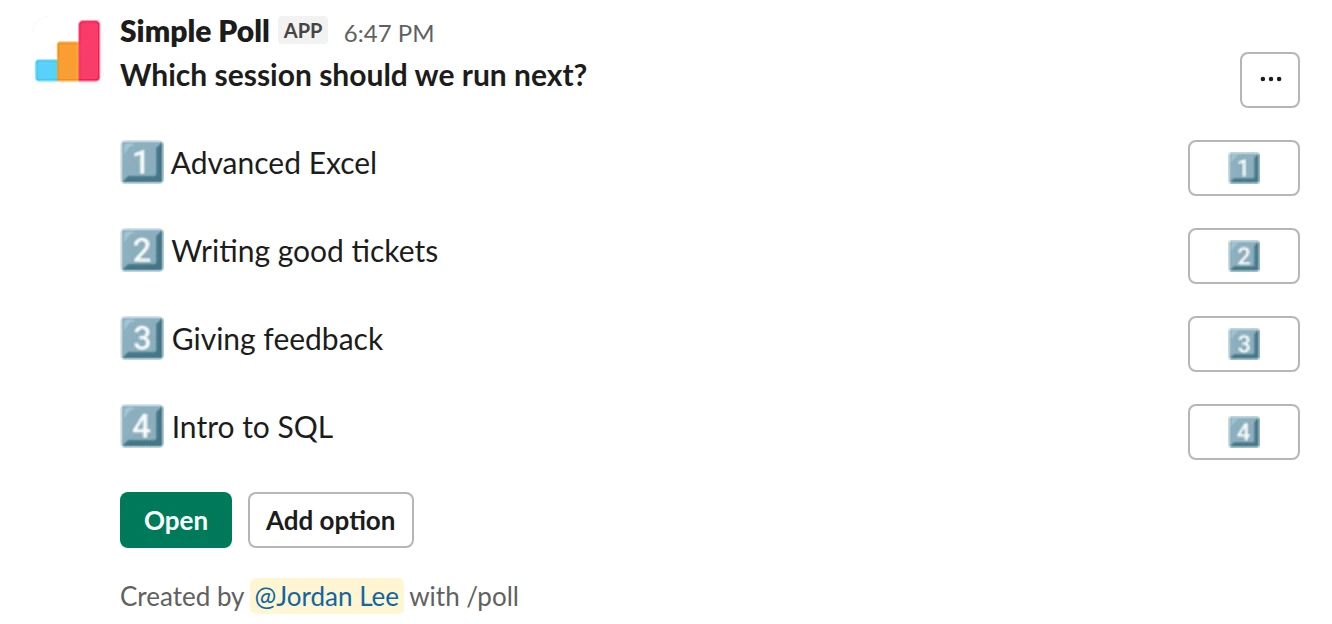
Choice poll. Ask what to train next. People can add topics you did not think of.
/poll "Which session should we run next?" "Advanced Excel" "Writing good tickets" "Giving feedback" "Intro to SQL" allow-options
Free
Allow options
How to word it
Rate the outcome, not the trainer. "How useful was this session for your work?" is something you can act on. "How would you rate the presenter?" makes people polite.
The four questions worth asking:
- How useful was it? (1 to 5)
- Was the pace right? Too slow, about right, too fast.
- What will you use first? (free text)
- What should we cut or add next time? (free text, optional)
Make it anonymous. Feedback on a colleague's session is more honest without names.
When to send it
Post it in the session's channel or thread in the last five minutes, and give people
time to answer before they leave. close after 1 day (Premium) catches the people who
watched a recording later the same day.
What to do with the results
Look at the pace question first. If it splits between "too slow" and "too fast", you have two audiences: split the session in two. If usefulness is low, read the free-text answers before changing anything. Share one change with the next group so they know the feedback is read.
For a series
If you run the same training for each new cohort, use the same questions every time so you can compare sessions. On Premium, the poll's creator can export results as a CSV.
Questions
Can I keep the feedback anonymous?
Yes. With anonymous, nobody sees who answered what, including you as the creator.
Can I compare feedback across sessions?
Use the same questions every time, and export each poll's results as a CSV (Premium, creator only).
What needs Premium?
Multi-question surveys, limit 1 and close after. A single rating or open question
works on Free. Try Premium free for 14 days with /simplepoll trial.
Used by
Related
- Meeting feedback poll for Slack
When a recurring meeting has been running for a while and you aren't sure it still earns its slot in everyone's calendar.
- Event feedback poll for Slack
Around a team offsite, company party, conference trip or community meetup: a few days before to shape it, and the day after to learn what to repeat.
- New hire onboarding feedback survey for Slack
At the end of a new hire's first week and again around day 30, while they still remember what was confusing and before they've stopped noticing it.
- How to create a rating scale poll in Slack
A scale poll asks people to rate something from 1 to 5: how clear the plan is, how the sprint went, how confident they are in a date. The poll shows how the votes spread across the five points, and its results view adds the average and median, which a yes or no poll can't give you. Scale polls work on every plan.
- Slack polls for HR and People teams
People teams ask the whole company for input more than anyone else, which makes them the first to burn out a channel with surveys. The fix is a small, predictable calendar: a few polls with a clear job each, sent at the same rhythm, with results that go somewhere.