Example polls
Paste any of these into the message box in Slack.
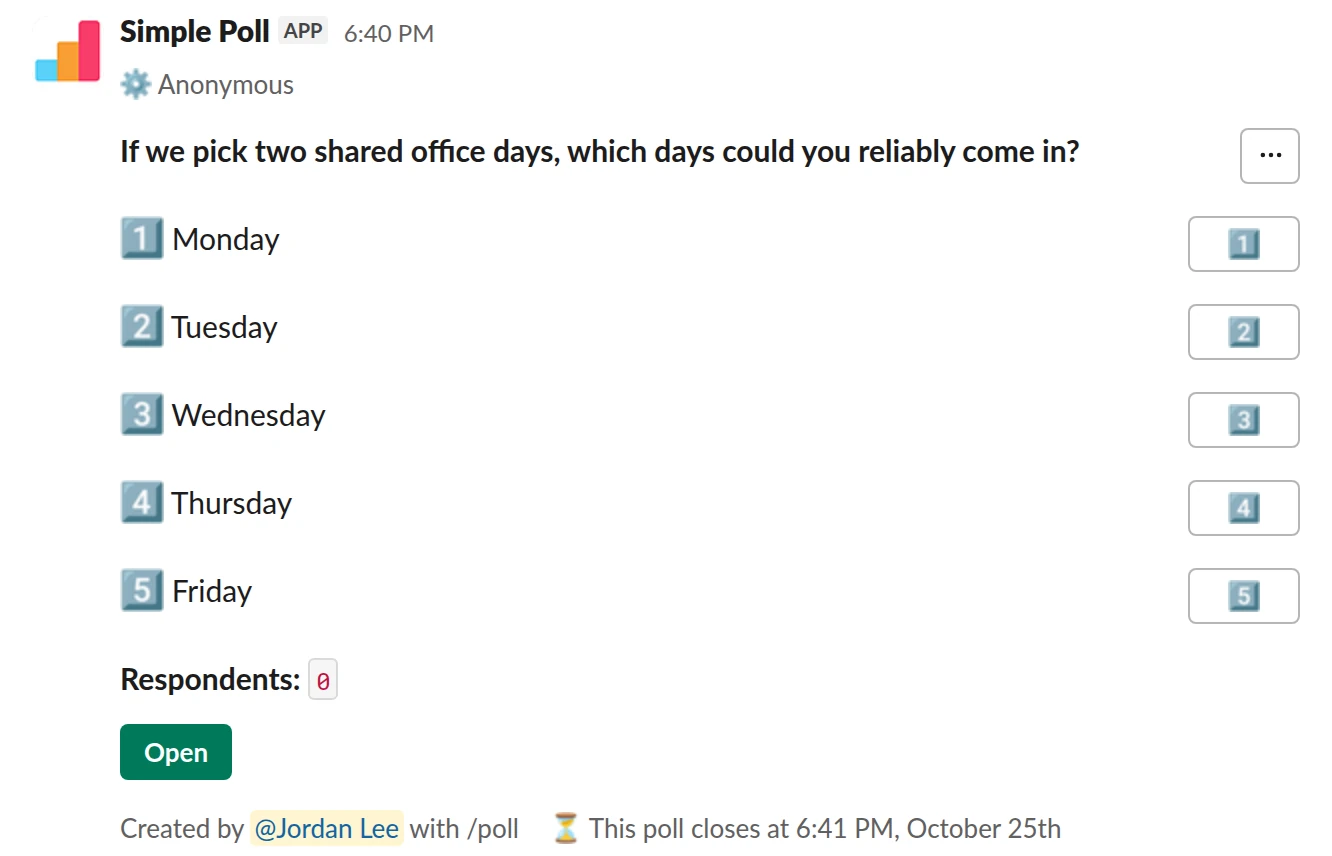
Choice poll. Choosing anchor days. Pick every day that works. Anonymous.
/poll "If we pick two shared office days, which days could you reliably come in?" "Monday" "Tuesday" "Wednesday" "Thursday" "Friday" anonymous close after 3 days
Premium: closing automatically
AnonymousClose automatically: after 3 days
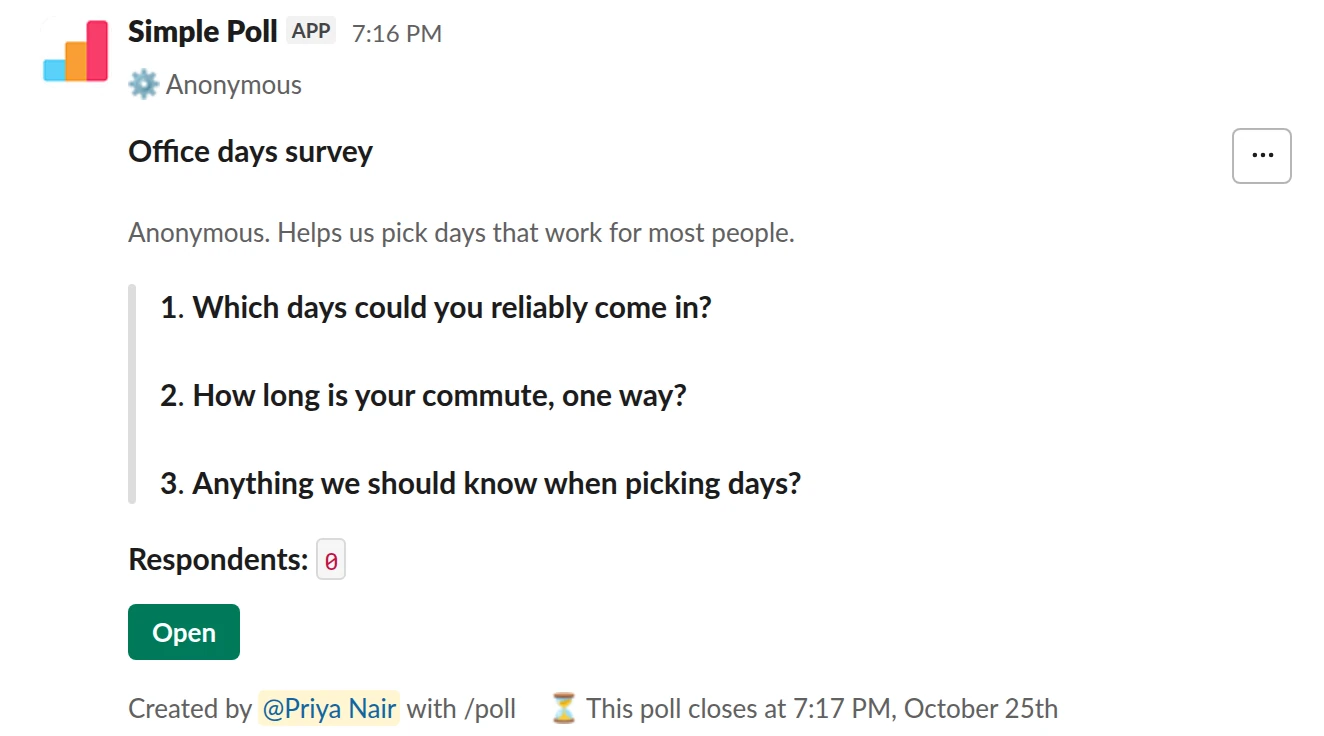
Survey (3 questions). The first-time version with commute and constraints, as an anonymous survey.
/poll "Office days survey" "Anonymous. Helps us pick days that work for most people." anonymous close after 3 days --- "Which days could you reliably come in?" "Monday" "Tuesday" "Wednesday" "Thursday" "Friday" --- "How long is your commute, one way?" "Under 30 min" "30 to 60 min" "Over an hour" limit 1 --- "Anything we should know when picking days?" short text optional
Premium: surveys (several questions), closing automatically
AnonymousClose automatically: after 3 days
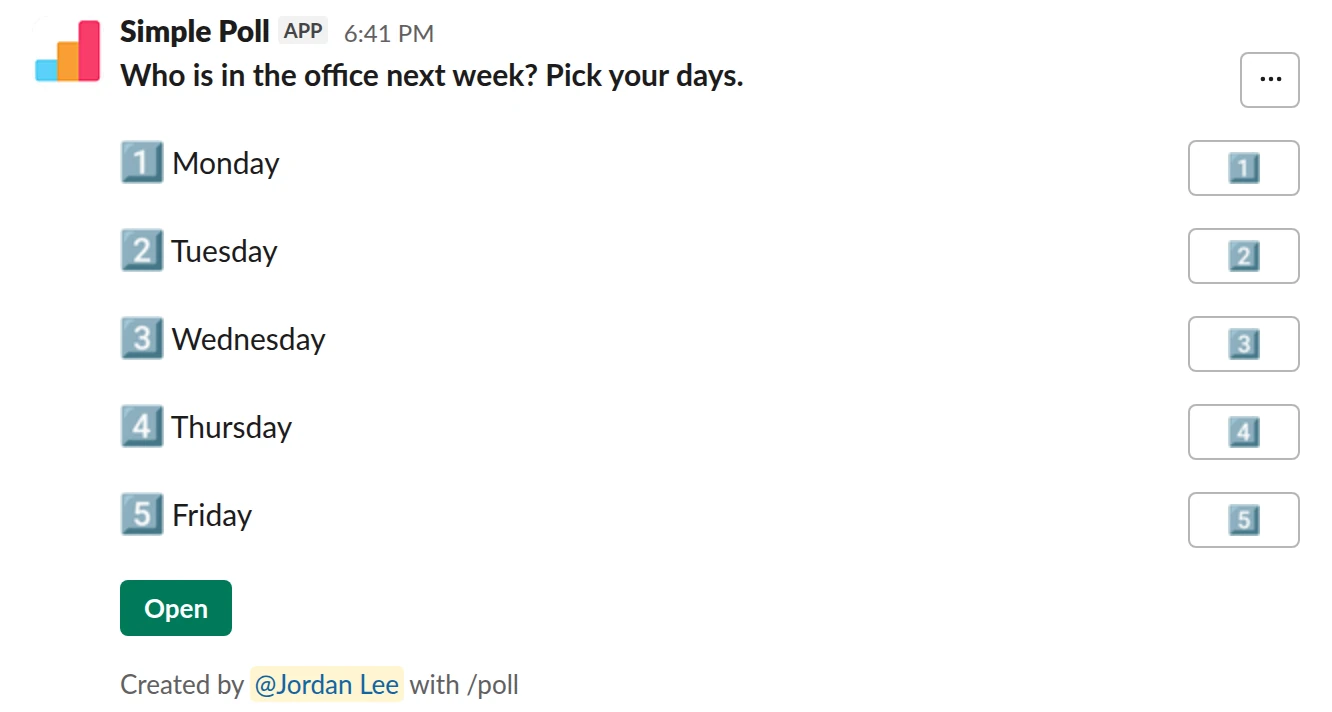
Choice poll. The weekly headcount poll. Named, so you know who to expect.
/poll "Who is in the office next week? Pick your days." "Monday" "Tuesday" "Wednesday" "Thursday" "Friday"
Free
Choosing anchor days
List the five weekdays and let people pick every day they could reliably come in. The two days with the most votes are your anchor days. A multiple-pick poll works better here than asking for one favourite, because what you need is overlap.
Make it anonymous. People have childcare, commutes and health reasons they don't want to explain in a channel, and those are exactly the constraints you need to know about.
Ask about constraints, once
If you are setting days for the first time, run a short anonymous survey instead (Premium): which days work, how long the commute is, and a free-text question for anything else. Read the free-text answers before you announce days. One answer about a standing medical appointment or a school run changes the decision.
Weekly headcount
Once anchor days are set, a weekly named poll tells you who is actually coming in: useful for desks, lunch orders and deciding whether an in-person meeting is worth it. Post it on Friday for the following week, and set it up as a recurring poll in Slack (Premium) so you don't have to remember.
The mistake people make
Asking for opinions on a decision that is already made. If leadership has set the days, announce them; a poll on a closed question costs trust. Poll only what the team can actually decide.
Questions
Should an office days poll be anonymous?
For choosing days, yes. People's reasons are often personal. For the weekly headcount, no; the point is knowing who is coming.
Can I post the headcount poll every Friday automatically?
Yes, on Premium. Set up a recurring poll in Slack from the Simple Poll modal and pick the day and time.
What if the vote is tied?
Pick the pair of days that keeps the most people in on both days, and say how you broke the tie. If the free-text answers point to a hard constraint, that wins over a one-vote margin.
Related
- Slack polls for remote teams
On a remote team, Slack is the office, and a lot of what an office does for free has to be asked for on purpose: who is around when, how people are doing, where to meet up once a year. Polls are how you ask without scheduling another call.
- How to create an anonymous poll in Slack
An anonymous poll in Simple Poll hides who voted for what from everyone, including the person who created it. The poll still counts every vote and shows the totals. It's free on every plan.
- How to create a recurring poll in Slack
A recurring poll posts itself on a schedule you set, such as every Monday at 10am. You write it once and Simple Poll reposts it, so your weekly pulse or standup check-in never depends on someone remembering. Recurring polls are a Premium feature.
- Team lunch poll for Slack
When you are organising a team lunch or a food order and need a decision before someone has to book or order.
- Meeting time poll for Slack
When you need to find a slot that works for a group and calendars alone don't tell you who can really make it.