Example polls
Paste any of these into the message box in Slack.
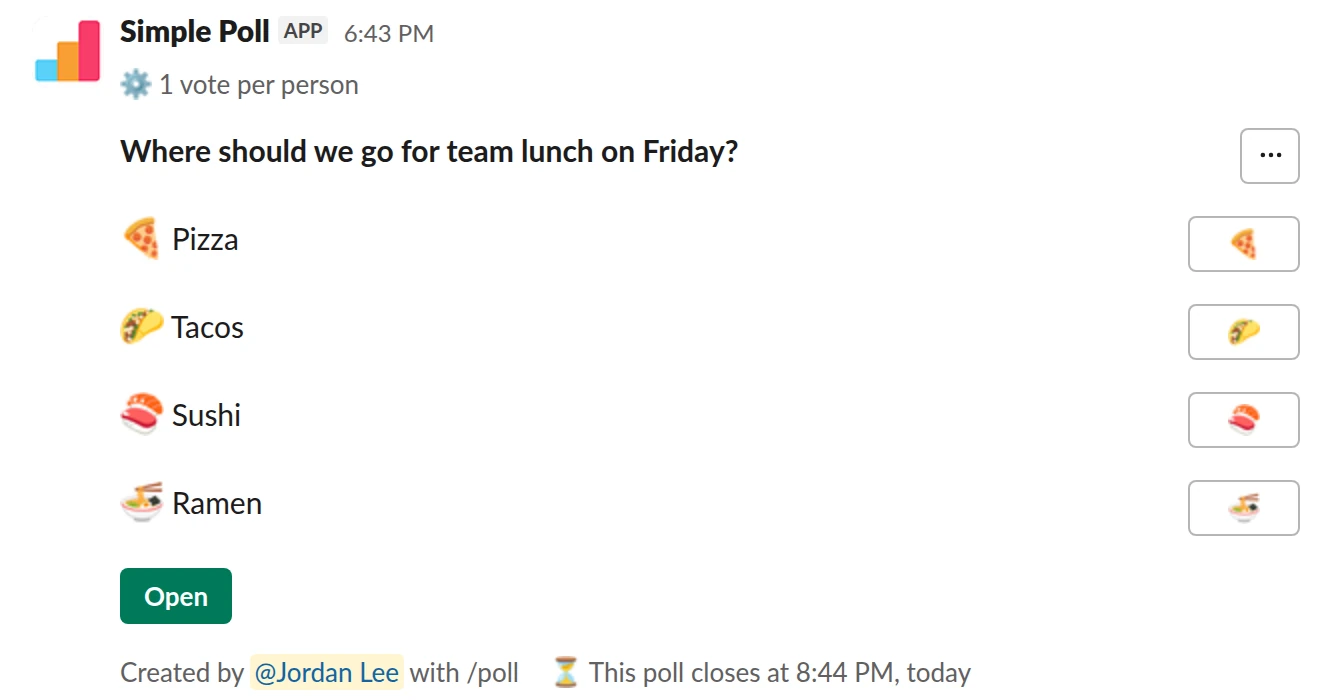
Choice poll. The classic. One vote each, emoji options, decided within two hours.
/poll "Where should we go for team lunch on Friday?" "Pizza" :pizza: "Tacos" :taco: "Sushi" :sushi: "Ramen" :ramen: limit 1 close after 2 hours
Premium: vote limits, closing automatically
Limit votes: 1 per personClose automatically: after 2 hours
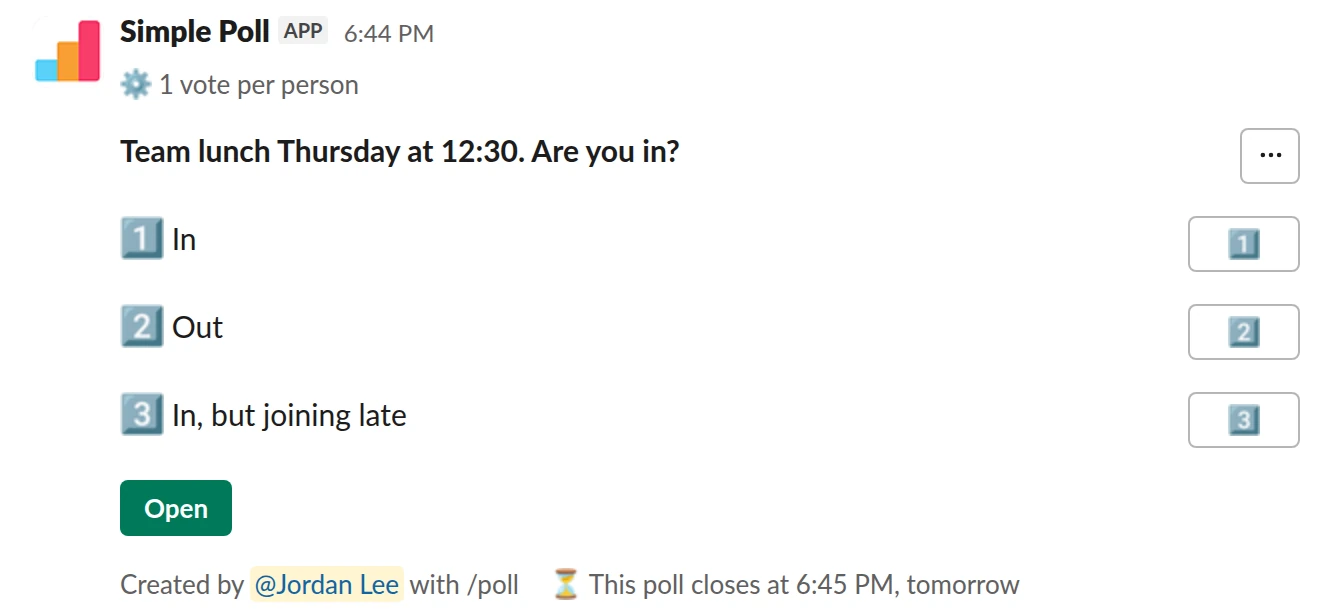
Choice poll. Headcount for the booking, the day before.
/poll "Team lunch Thursday at 12:30. Are you in?" "In" "Out" "In, but joining late" limit 1 close after 1 day
Premium: vote limits, closing automatically
Limit votes: 1 per personClose automatically: after 1 day
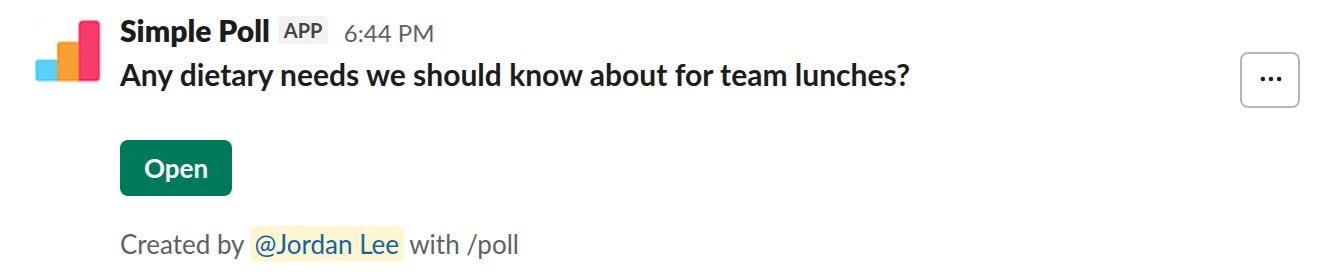
Short text. Ask once, keep the answers. Works on Free.
/poll "Any dietary needs we should know about for team lunches?" short text
Free
Where to eat
Offer three to five places you know can take your group, with the cuisine in the option. Add emoji after each option so the poll is quick to scan: "Pizza" :pizza:. Use limit 1 (Premium) so each person backs one place, and close after 2 hours (Premium) so the decision lands before anyone has to call the restaurant.
If your office has a regular rotation, add allow-options once in a while so new places can get onto the list.
Who is coming
Ask separately, the day before: "Team lunch Thursday at 12:30. Are you in?" with "In" and "Out". A named poll here is the point; you need the headcount and the names for the booking. Keep it to one vote each.
Dietary needs
Before the first team lunch, or when new people join, ask once with a free-text poll. Leave it named so the organiser knows who needs what, or use anonymous for a general picture. Then keep a note so you don't ask every week.
Make it a habit
For a weekly team lunch, set the poll up as a recurring poll in Slack (Premium) so it posts at the same time each week. Post it mid-morning; a poll that lands at 11:55 is too late to book anything.
Questions
How do I add emoji to lunch poll options?
Put the emoji code right after the option's closing quote, for example "Tacos" :taco:.
Can the lunch poll post itself every week?
Yes, on Premium. Set it up as a recurring poll in Slack from the Simple Poll modal and choose the day and time.
What if two places tie?
Close it and pick one, or post a two-option runoff with a 30-minute close (close after 30 mins, Premium). Don't let a tie restart the thread.
Used by
Related
- How to make an emoji poll in Slack
"Emoji poll" means two things in Slack. One is a message where people vote by reacting with an emoji, which needs no app. The other is a proper poll where each option carries an emoji, which reads faster and still counts votes properly. This page covers both, plus the poll emoji themselves.
- How to close a Slack poll automatically
A poll that never closes never quite decides anything: votes trickle in, the result shifts, and nobody knows when to act. An automatic close fixes the deadline up front. In Simple Poll you add close after and a duration, and the poll closes on its own. Automatic closing is a Premium feature; anyone can close their own poll by hand.
- Holiday party planning poll for Slack
When you are organising an end-of-year party and want the date, format and details settled by the people who will be there.
- Return to office days poll for Slack
When a hybrid team needs to agree which days it is in the office together, or plan desks and lunches for the week.
- Slack polls for remote teams
On a remote team, Slack is the office, and a lot of what an office does for free has to be asked for on purpose: who is around when, how people are doing, where to meet up once a year. Polls are how you ask without scheduling another call.