Example polls
Paste any of these into the message box in Slack.
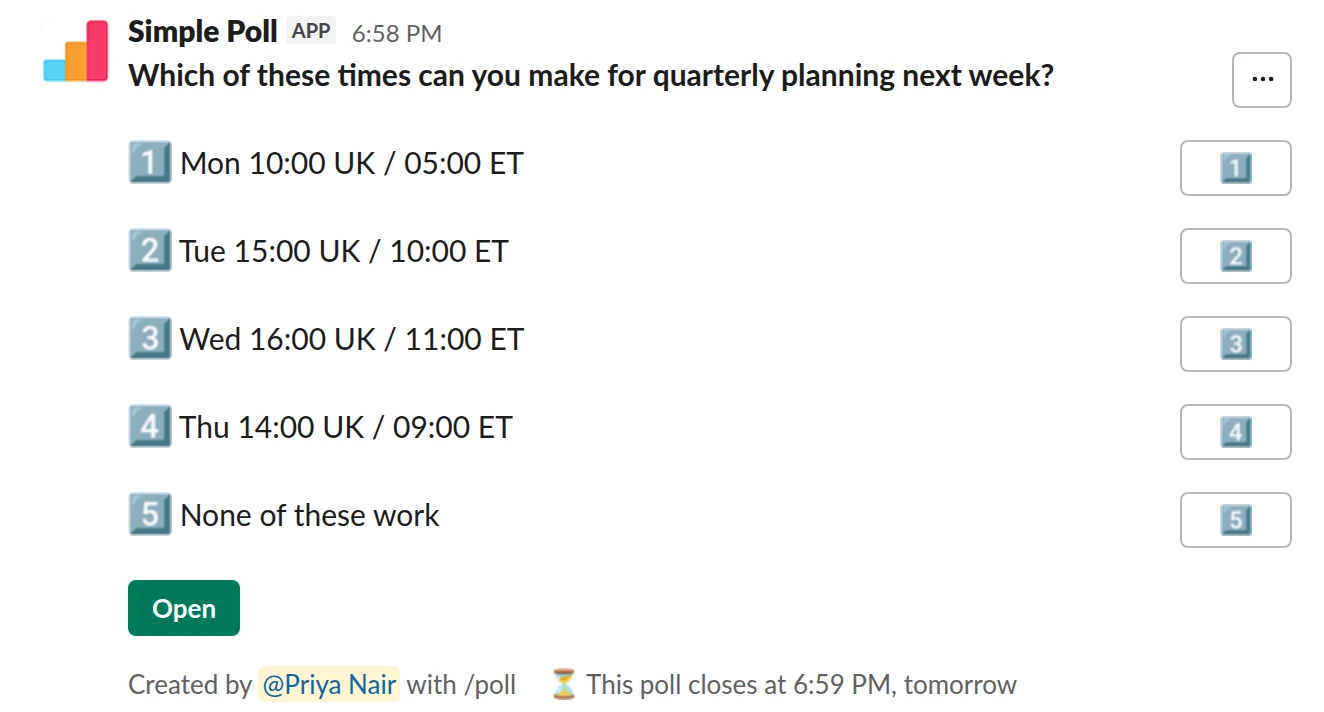
Choice poll. The one-off scheduling poll. Pick every slot you can make. Closes in a day.
/poll "Which of these times can you make for quarterly planning next week?" "Mon 10:00 UK / 05:00 ET" "Tue 15:00 UK / 10:00 ET" "Wed 16:00 UK / 11:00 ET" "Thu 14:00 UK / 09:00 ET" "None of these work" close after 1 day remind 2 hours after posting
Premium: closing automatically, reminders
Close automatically: after 1 dayReminder: 2 hours after posting
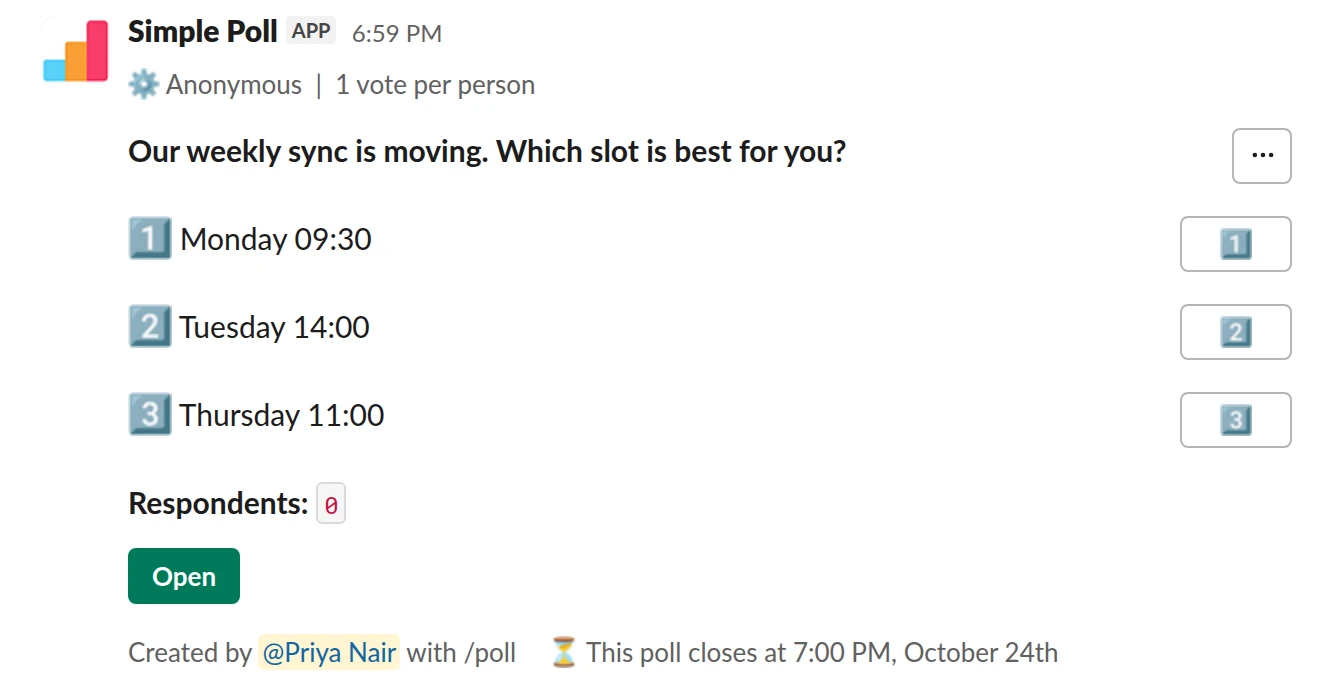
Choice poll. Moving a recurring meeting. One pick each, anonymous.
/poll "Our weekly sync is moving. Which slot is best for you?" "Monday 09:30" "Tuesday 14:00" "Thursday 11:00" limit 1 anonymous close after 2 days
Premium: vote limits, closing automatically
AnonymousLimit votes: 1 per personClose automatically: after 2 days
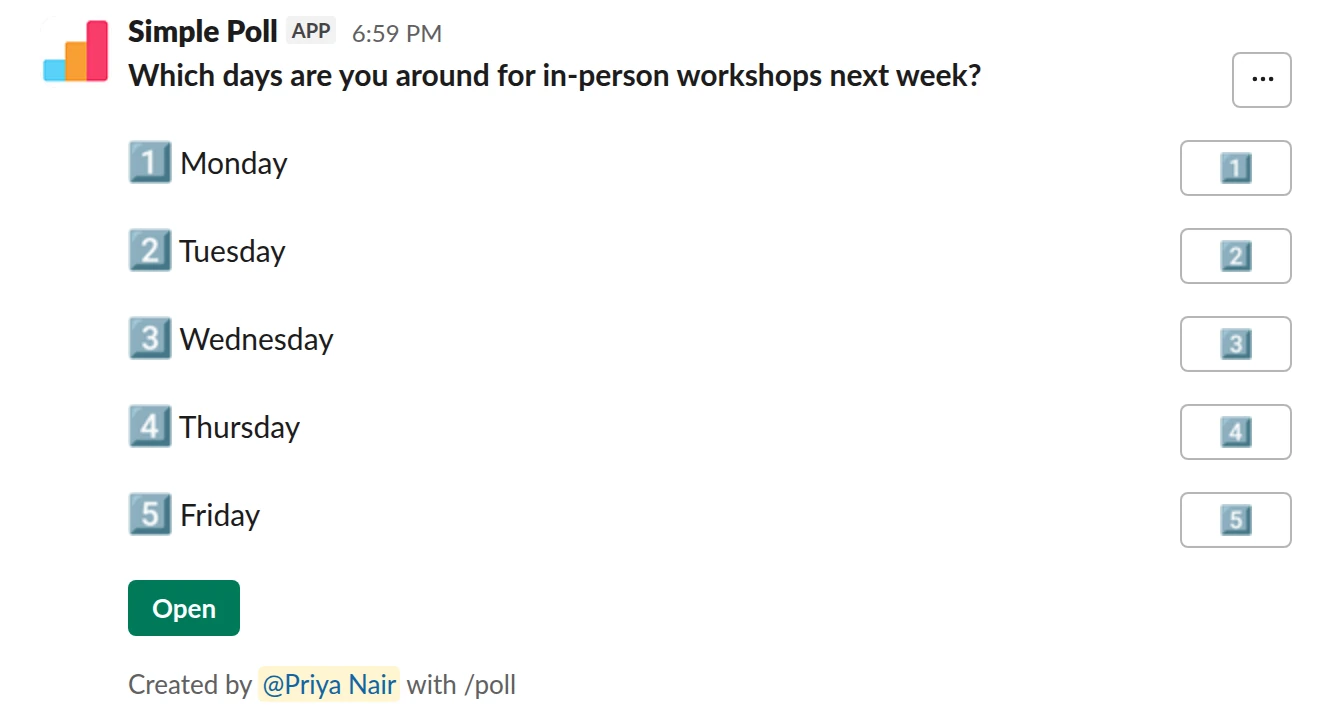
Choice poll. A quick weekly availability check. Works on Free.
/poll "Which days are you around for in-person workshops next week?" "Monday" "Tuesday" "Wednesday" "Thursday" "Friday"
Free
How to word it
Ask "Which of these times can you make?" and leave the vote limit off, so people pick every slot that works. A single-choice poll here hides the second-best slot that everyone could have made.
Write each option with the day, the time and the time zone: "Tue 15:00 UK / 10:00 ET". If your team spans time zones, list the time in the two zones most people are in. Ambiguous times are the main reason scheduling polls go wrong.
How many options
Three to five slots. Fewer and you may miss everyone's free slot; more and people stop reading carefully. Free plans allow up to 5 options per poll; Premium allows more if you really need a wide grid. Add "None of these work" so people who can't make any slot say so instead of staying silent.
Moving a recurring meeting
When you are moving a weekly meeting, the question changes. You want one slot everyone commits to, so ask people to pick their single best option (limit 1, Premium) after you've shortlisted slots that are free for all. Make it anonymous if the meeting is with a senior stakeholder and people may not say "that slot is bad for me" openly.
Close it and book it
Add close after 1 day (Premium) and a reminder a couple of hours in. Then book the winning slot right away and post the invite in the thread. A scheduling poll that sits open for a week means the slots fill up in the meantime.
Questions
Does the poll convert time zones for each voter?
No. Options are plain text, so write the time zone into each option. List the two zones most of your team is in.
Can the poll book the meeting for me?
No. The poll finds the slot. You book it in your calendar and share the invite.
Can I run the availability poll every week?
Yes. On Premium you can set up a recurring poll in Slack from the Simple Poll modal. It posts on the day and time you choose.
Used by
Related
- Meeting agenda topics poll for Slack
A day or two before a team meeting, planning session or one-to-one series, so the agenda reflects what people need to discuss rather than what the organiser remembered.
- Launch date poll for Slack
When a release or launch needs a date the whole team can commit to, or a clear go or no-go before you ship.
- How to limit votes in a Slack poll
By default, a Simple Poll lets each person pick as many options as they like. That's right for "which days can you make?" and wrong for "which date should we pick?". A vote limit caps how many options each person can choose: limit 1 for single choice, limit 2 or more for "pick your top two". Vote limits are a Premium feature.
- How to create a recurring poll in Slack
A recurring poll posts itself on a schedule you set, such as every Monday at 10am. You write it once and Simple Poll reposts it, so your weekly pulse or standup check-in never depends on someone remembering. Recurring polls are a Premium feature.
- Slack polls for executive assistants
Assistants run the logistics nobody else wants to chase: when the leadership team can meet, what everyone eats, who is coming, which venue. Most of that used to be a thread of forty replies you had to tally by hand. A poll tallies it for you and gives the thread a deadline.