Example polls
Paste any of these into the message box in Slack.
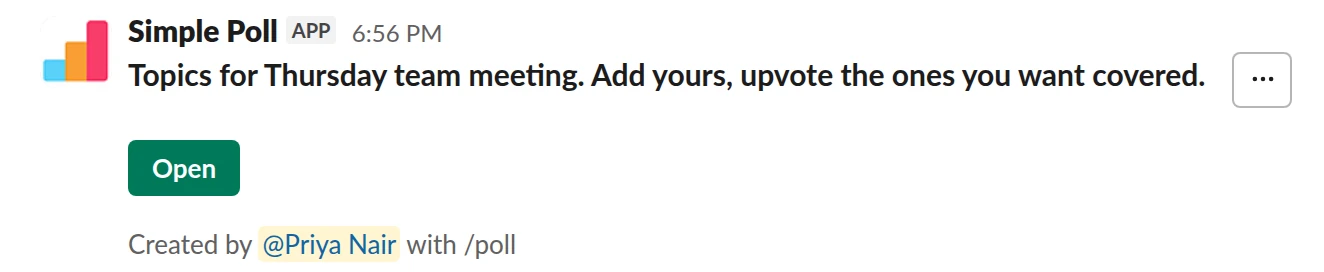
Short text with voting. Open topic collection with upvotes. Works on Free.
/poll "Topics for Thursday team meeting. Add yours, upvote the ones you want covered." short text :thumbsup:
Free
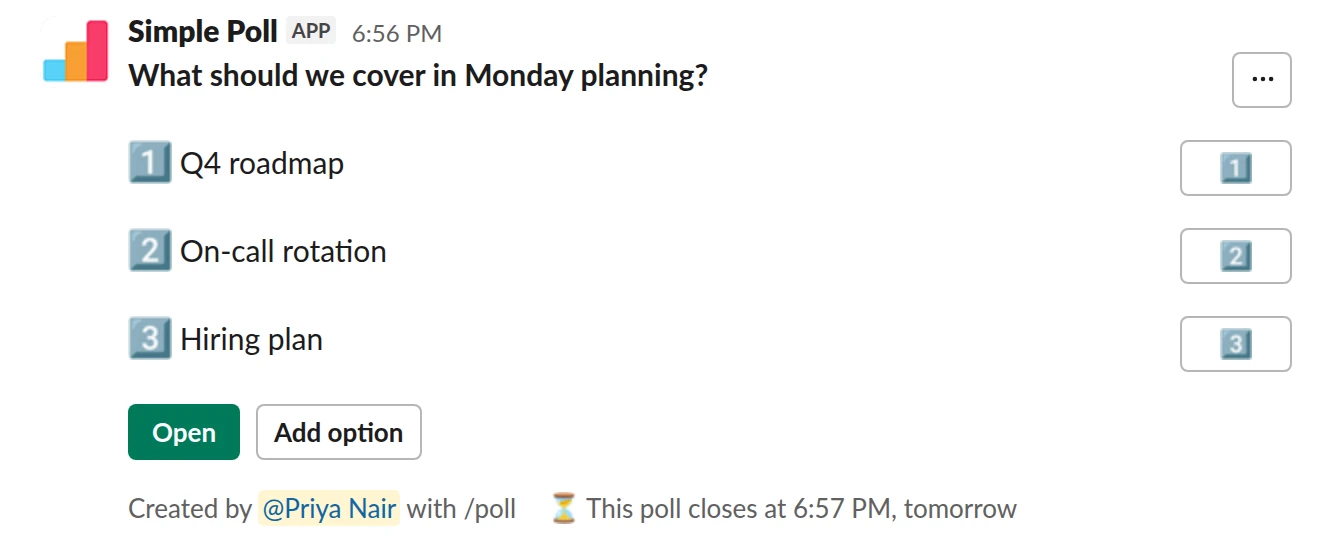
Choice poll. A starting shortlist people can add to, sorted by votes, closing before the meeting.
/poll "What should we cover in Monday planning?" "Q4 roadmap" "On-call rotation" "Hiring plan" allow-options order-results-by-votes close after 1 day
Premium: closing automatically
Allow optionsOrder results: by most votesClose automatically: after 1 day
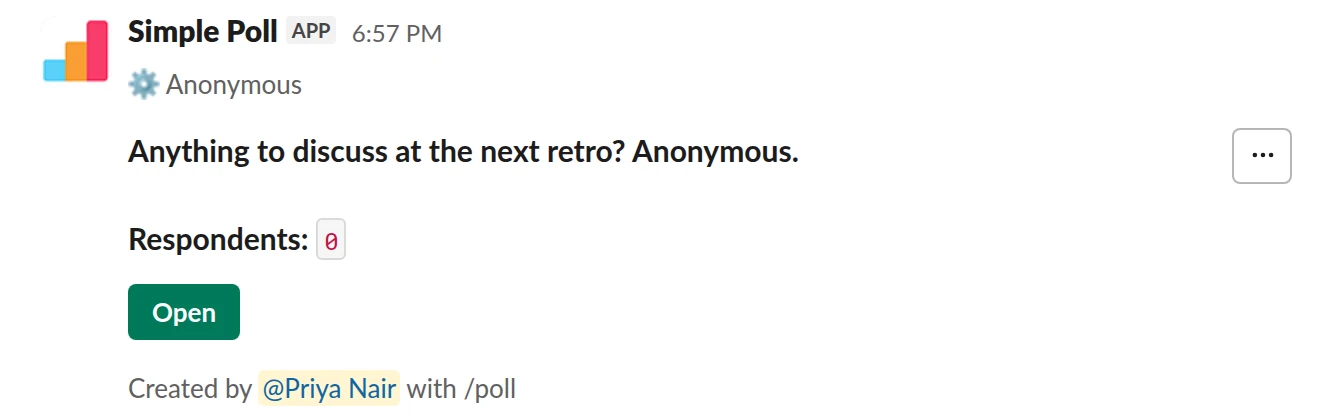
Short text with voting. The anonymous version, for topics people may not want their name on.
/poll "Anything to discuss at the next retro? Anonymous." short text :thumbsup: anonymous
Free
Anonymous
How to set it up
Two ways work, depending on the meeting:
- Topics with upvotes. A
short text :thumbsup:poll. People write topics, everyone upvotes the ones they want covered. Best for open meetings where anything can come up. - A shortlist people add to. Start with the topics you already know about and add
allow-optionsandorder-results-by-votes. People vote and add their own, and the list sorts itself by votes. Best when you have a rough agenda already.
Name the meeting and date in the question so nobody adds to an old poll.
When to send it
One or two working days before the meeting. Close it a few hours before you start, with
close after 1 day (Premium), so you have time to order the agenda and prepare.
How to use the results
Take topics in vote order and timebox each one. If you run out of time, the low-vote topics move to the next agenda poll, not to "any other business" at the end. Post the final agenda in the poll's thread so people know what made it.
The mistake people make
Collecting topics and then running the meeting from your own list anyway. Do that once and nobody adds a topic again.
Questions
Can people add their own topics?
Yes, two ways. A short text poll lets everyone write topics. On a choice poll,
allow-options lets voters add options. Both work on Free.
Can the results be sorted by votes?
Yes. order-results-by-votes lists options by votes instead of in your order. Upvoted
short-text answers show their vote counts.
Is there a built-in template?
Not for agenda topics. The Template gallery in the Simple Poll modal has "Collect questions for an AMA session", which is close if you want questions rather than topics. Otherwise, paste one of the examples above.
Used by
Related
- Meeting feedback poll for Slack
When a recurring meeting has been running for a while and you aren't sure it still earns its slot in everyone's calendar.
- All-hands questions poll for Slack
In the days before an all-hands, town hall or leadership AMA, so the questions people actually care about get asked, including the uncomfortable ones.
- No-meeting day poll for Slack
When calendars are full of meetings and people say they can't get focused work done, and you want the team to choose and own a meeting-free day.
- How to let people add options to a Slack poll
Sometimes you don't know all the options yet: the best venue, a name for the new team, the topic everyone actually wants. Turn on adding options and voters get an Add option button. Anything they add becomes an option everyone can vote on. It's free on every plan.
- Slack polls for managers and team leads
A team lead's job is mostly two things: deciding, and finding out what you do not know. Both get easier with a handful of well-timed polls. The point is not to vote on everything. It is to stop spending a meeting on questions a poll answers in an hour, and to hear the things your team would not say to your face.