Step by step
-
Write the question and the options in a message
Start a message with the question, then list each option with an emoji next to it, for example ":one: Tuesday", ":two: Wednesday", ":three: Thursday". Slack suggests block quote formatting to make the options easier to read.
-
Send it and add the reactions yourself
Send the message, then react to it with each option's emoji. Slack's help notes this makes it simpler for others to vote: they click the existing reaction instead of hunting for the emoji.
-
Ask people to vote with reactions
People vote by clicking a reaction. Each reaction shows its count on the message.
-
Read the result and say when it's final
Hover over a reaction to see who added it. Because reactions can change at any time, post a short reply saying which option won and that the vote is closed.
Example polls
Paste any of these into the message box in Slack.
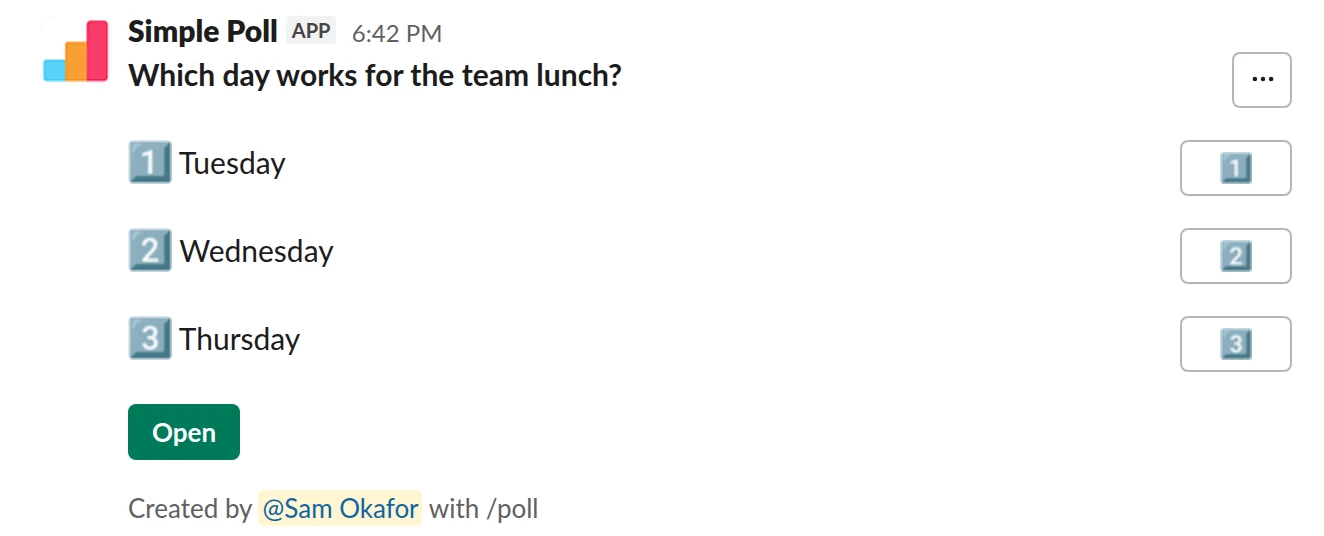
Choice poll. The same lunch question as a Simple Poll, with votes counted for you. Free.
/poll "Which day works for the team lunch?" "Tuesday" "Wednesday" "Thursday"
Free
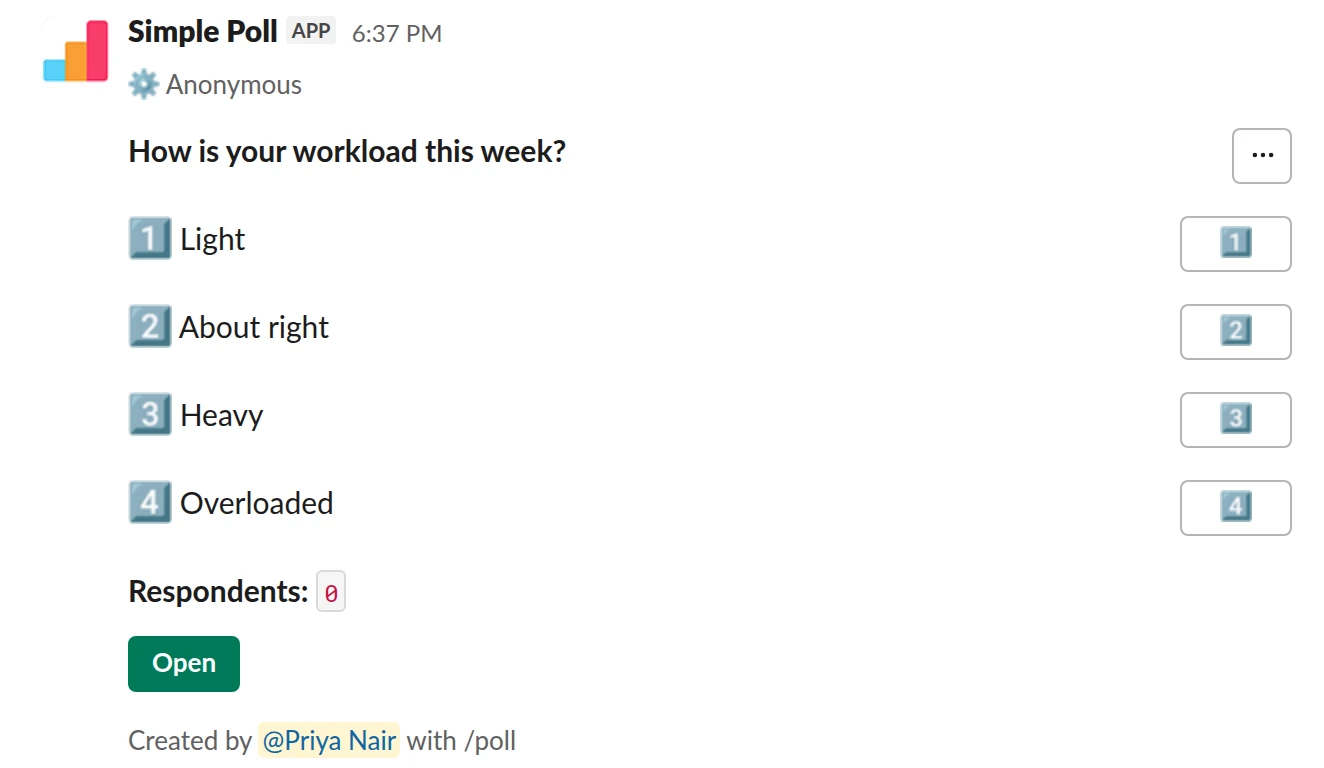
Choice poll. A question you should never ask with reactions, because everyone sees who picked Overloaded. Free with Simple Poll.
/poll "How is your workload this week?" "Light" "About right" "Heavy" "Overloaded" anonymous
Free
Anonymous
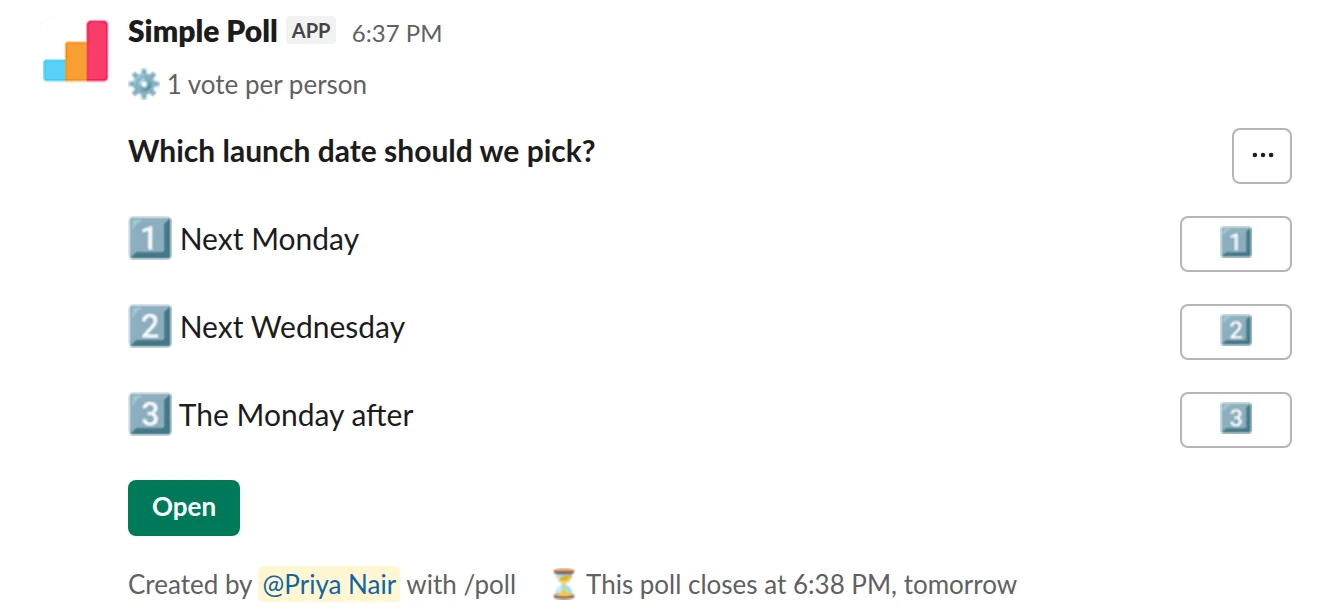
Choice poll. One vote each and a real deadline, which reactions cannot enforce (Premium).
/poll "Which launch date should we pick?" "Next Monday" "Next Wednesday" "The Monday after" limit 1 close after 1 day
Premium: vote limits, closing automatically
Limit votes: 1 per personClose automatically: after 1 day
Where reaction polls fall short
- Everyone sees who voted. In Slack, you can hover over or tap and hold a reaction to see who added it. There's no anonymous mode, so honest answers to sensitive questions are unlikely.
- No one-vote rule. Anyone can click every reaction.
- No end. Reactions can be added or removed long after you read the result.
- Stray reactions. Someone adds
:joy:or another new emoji and your three options become five. - No question types. No ranking, ratings or free-text answers, and only one question per message.
For "pizza or tacos?" none of this matters. For a decision, feedback or anything people might disagree on, it does.
The Workflow Builder form route
On paid Slack plans, Workflow Builder can collect answers through a form. Slack's own example starts from the Feedback report template: open Agents & tools (or Tools) in the sidebar, go to Workflows, click Templates, choose Feedback report, edit the questions, then publish the workflow and share its link. Each submission is posted to a channel as a message, and responses can also go to a Google Sheet or be downloaded.
What you get is a stream of individual responses, not a vote count. Slack's template message mentions the person who filled in the form, so it isn't anonymous unless you change it, and you tally the answers yourself. It also takes longer to set up than a poll, so it suits a standing request form better than a quick vote.
When an app is worth it
A polling app gives you the things the no-app routes can't: votes counted in place, anonymous voting, one vote per person, a deadline, hidden results, ranked choice, ratings and multi-question surveys. Simple Poll is the app 945,000+ teams use for this, and its Free plan covers anonymous polls with up to 5 options. See how to create a poll in Slack.
If your workspace needs an admin to approve apps, a reaction poll is a reasonable stopgap while you wait.
Questions
Does Slack have a built-in poll feature?
No. Slack's help centre recommends a polling app from the Slack Marketplace, or an informal poll using emoji reactions on a message.
Are emoji reaction polls anonymous?
No. Anyone can hover over or tap and hold a reaction to see who added it.
Can I make a poll with Workflow Builder on the free Slack plan?
Slack lists Workflow Builder as available on paid plans. On a free Slack workspace, use a reaction poll or a polling app.
Can I download Workflow Builder form responses?
Yes. Slack lets workflow managers download form responses from Workflow Builder; you get a DM with a link to the file. If you don't see the option, ask a workspace owner or admin.
Related
- How to create a poll in Slack
Slack has no poll button of its own. Its help centre suggests two routes: install a polling app, or post a message and ask people to vote with emoji reactions. This guide covers the app route with Simple Poll, used by 945,000+ teams, because it gives you a real poll: counted votes, anonymous voting, one-vote limits and a clean result.
- How to make an emoji poll in Slack
"Emoji poll" means two things in Slack. One is a message where people vote by reacting with an emoji, which needs no app. The other is a proper poll where each option carries an emoji, which reads faster and still counts votes properly. This page covers both, plus the poll emoji themselves.
- How to create an anonymous poll in Slack
An anonymous poll in Simple Poll hides who voted for what from everyone, including the person who created it. The poll still counts every vote and shows the totals. It's free on every plan.
- What is a straw poll?
A straw poll is an informal, non-binding vote that shows which way a group is leaning before a real decision is made.
- What is an anonymous poll?
An anonymous poll records votes without showing who cast them: everyone sees the totals, and nobody can see which person picked which answer. In Simple Poll that includes the person who created the poll.