Example polls
Paste any of these into the message box in Slack.
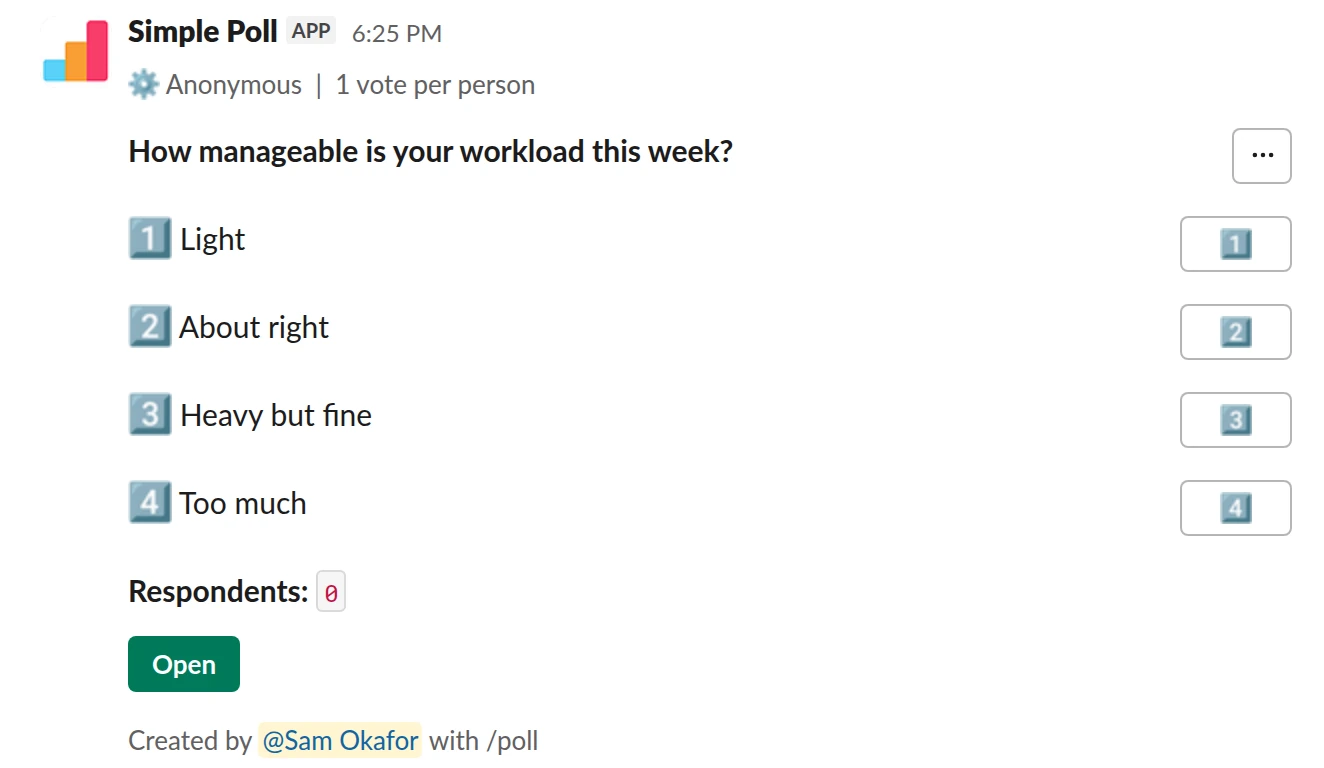
Choice poll. A workload check where one honest answer per person matters.
/poll "How manageable is your workload this week?" "Light" "About right" "Heavy but fine" "Too much" anonymous limit 1
Premium: vote limits
AnonymousLimit votes: 1 per person
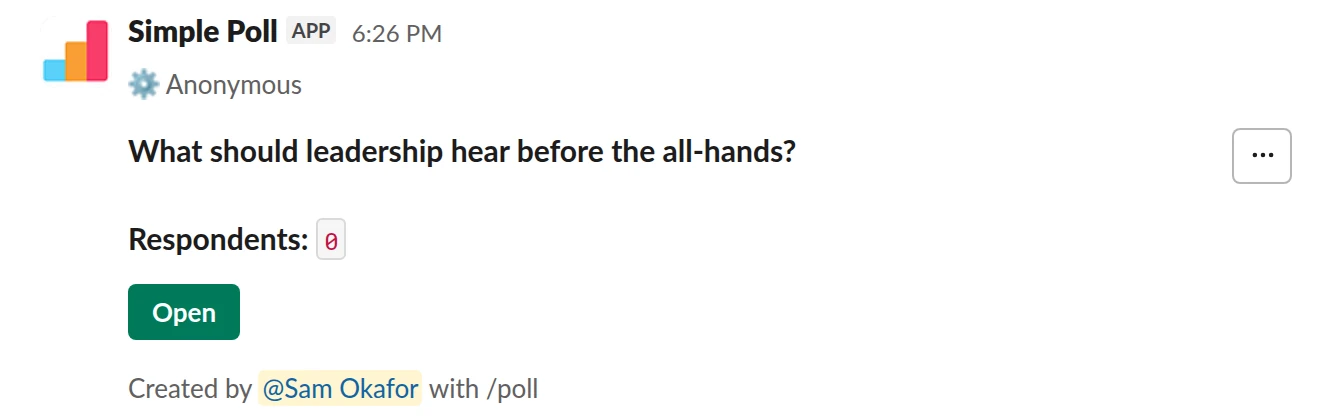
Short text. Anonymous free-text input on a topic people may not raise with their name on it.
/poll "What should leadership hear before the all-hands?" short text anonymous
Free
Anonymous
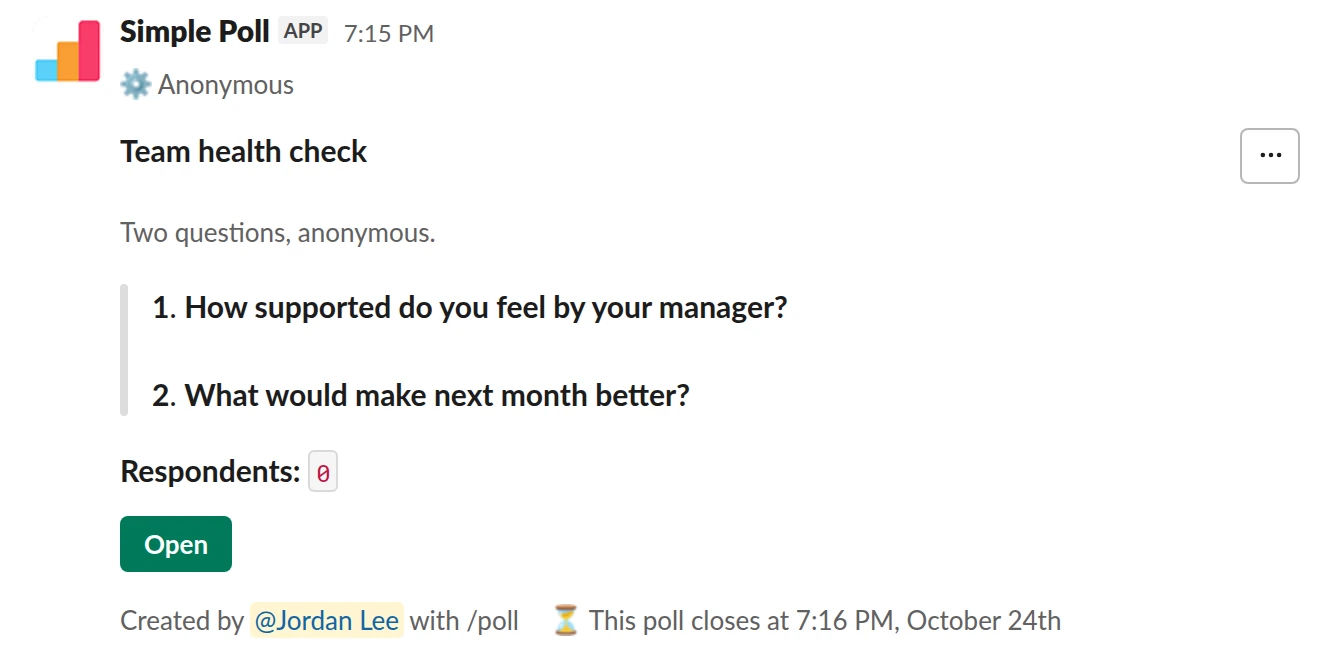
Survey (2 questions). An anonymous two-question survey that closes after two days.
/poll "Team health check" "Two questions, anonymous." anonymous close after 2 days --- "How supported do you feel by your manager?" scale --- "What would make next month better?" short text optional
Premium: surveys (several questions), closing automatically
AnonymousClose automatically: after 2 days
When to make a poll anonymous
- Feelings and feedback: mood, workload, how a meeting went, how a manager is doing.
- Votes where people worry about being seen to disagree with a senior colleague or the loudest person in the channel.
- Retros and engagement surveys, where honest answers are the whole point.
Leave names on when you need to follow up with individuals: who's coming to the offsite, lunch orders, who can cover on-call. An anonymous attendance poll is useless.
How to make one in Slack
Add anonymous after the options in the /poll text. Or type /poll on its own to open
the Simple Poll modal and tick Make responses anonymous under Settings. It's free on every plan.
In a survey (Premium), put anonymous in the header, the first section, and it applies to
every question. Without it, Simple Poll shows voters' names next to their choices.
What anonymity doesn't hide
- Who posted the poll. The creator's name is on it.
- Small numbers. If three people vote and one picks "Struggling", the other two know it wasn't them. Run sensitive polls only in groups big enough to hide in.
- Writing style. A free-text answer can give its author away. Tell people that, and keep sensitive text questions optional.
If you also want people to vote without being swayed by the running count, combine
anonymous with hide results. Anonymity hides who; hidden results hide the totals until
the poll is closed.
Questions
Can the poll creator see who voted in an anonymous poll?
No. In an anonymous Simple Poll poll nobody, the creator included, can see who answered what.
Are anonymous polls free?
Yes. anonymous works on the Free plan. Some settings you might pair with it, like
limit 1 and close after, are Premium.
Is an anonymous poll the same as hiding the results?
No. Anonymous hides who voted for what. hide results hides the totals while the poll is
open. You can use both.
Related
- How to create an anonymous poll in Slack
An anonymous poll in Simple Poll hides who voted for what from everyone, including the person who created it. The poll still counts every vote and shows the totals. It's free on every plan.
- How to hide poll results until the poll closes
When people can see a running tally, they tend to pile onto the leading option or skip voting once the result looks settled. Hiding the results until the poll closes gets you each person's own answer. In Simple Poll it's one keyword, and it works on every plan.
- What is psychological safety?
Psychological safety is "a shared belief held by members of a team that the team is safe for interpersonal risk taking", as Amy Edmondson defined it in 1999. In practice: people can ask, disagree, admit mistakes and raise problems without fear of embarrassment or punishment.
- Team mood check-in poll for Slack
When you want an early, honest signal on how the team is feeling, before it shows up as missed deadlines or resignations.