Step by step
-
Open the private channel
Go to the private channel you want to poll. You need to be a member.
-
Invite Simple Poll
Type
/invite @Simple Polland send it. Or mention@Simple Pollin a message: if the app isn't in the channel, Slack offers to add it, and you click Invite Them. -
Create your poll
Type
/pollwith your question and options in double quotes, for example/poll "Which date for the leadership offsite?" "First week of the month" "Second week" "Third week" limit 1, or type/pollon its own to open the form. -
Post it
Check the preview and click Create Poll. Only members of the private channel see the poll and can vote.
Example polls
Paste any of these into the message box in Slack.
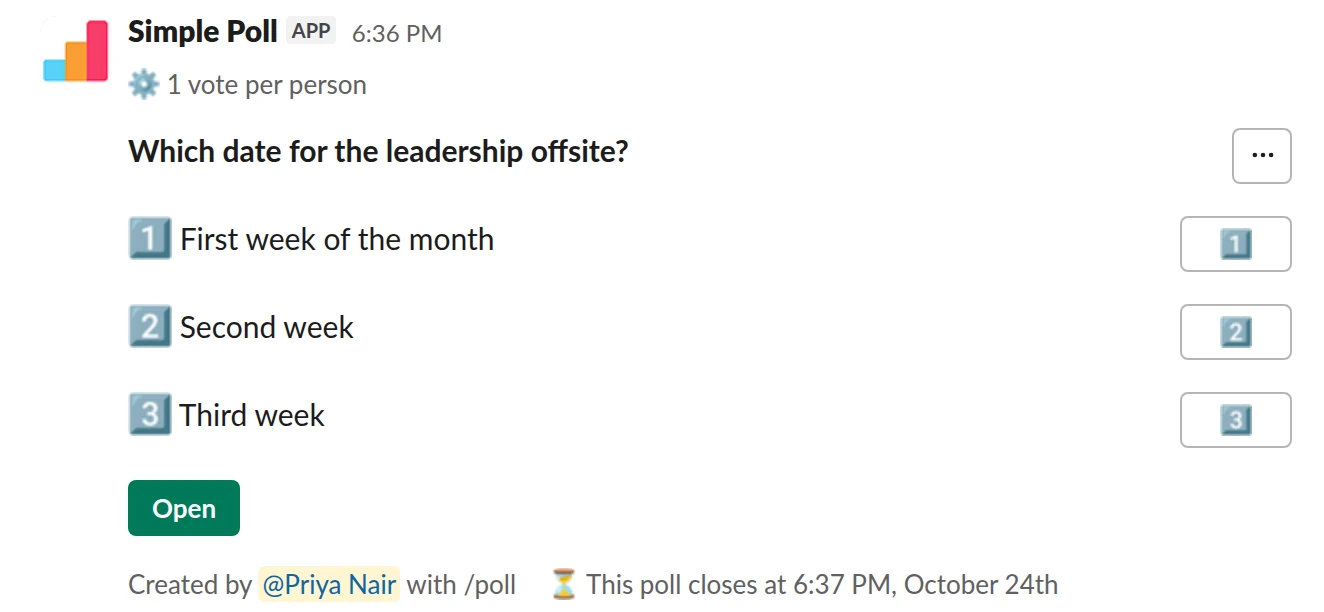
Choice poll. A leads-only date poll, one vote each, closing in two days (Premium).
/poll "Which date for the leadership offsite?" "First week of the month" "Second week" "Third week" limit 1 close after 2 days
Premium: vote limits, closing automatically
Limit votes: 1 per personClose automatically: after 2 days
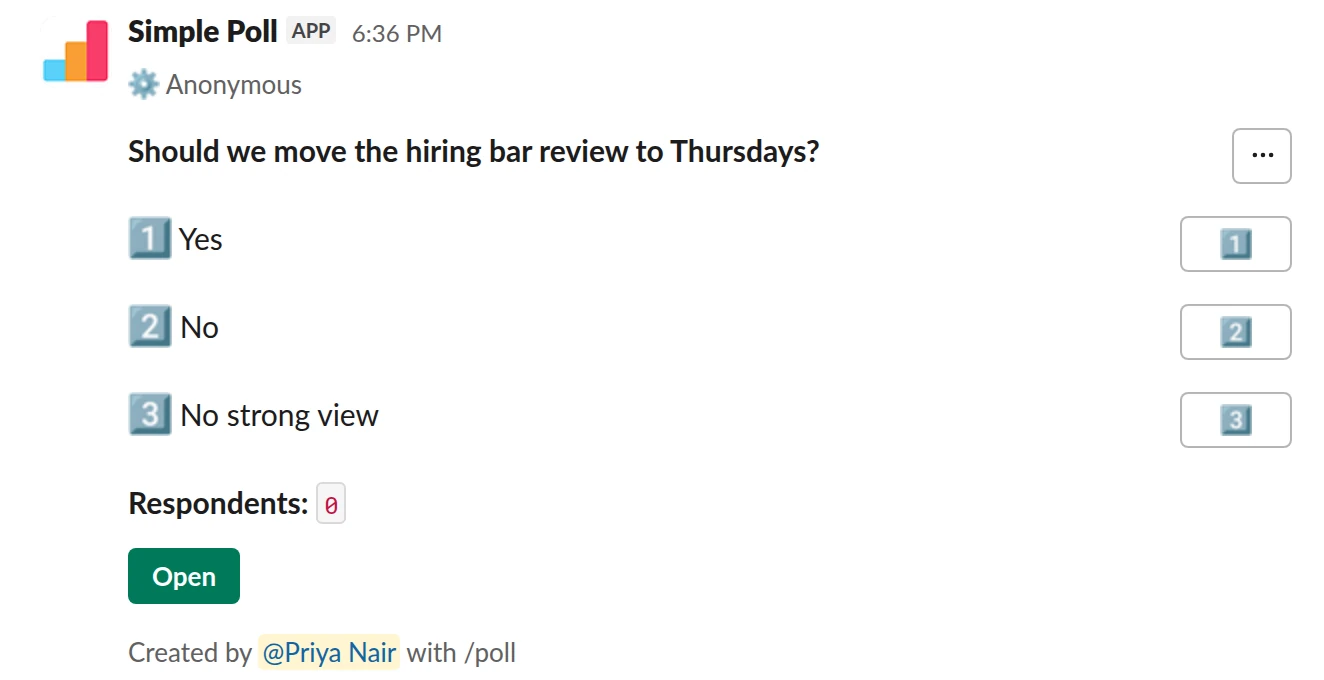
Choice poll. An anonymous vote in a private channel. Free.
/poll "Should we move the hiring bar review to Thursdays?" "Yes" "No" "No strong view" anonymous
Free
Anonymous
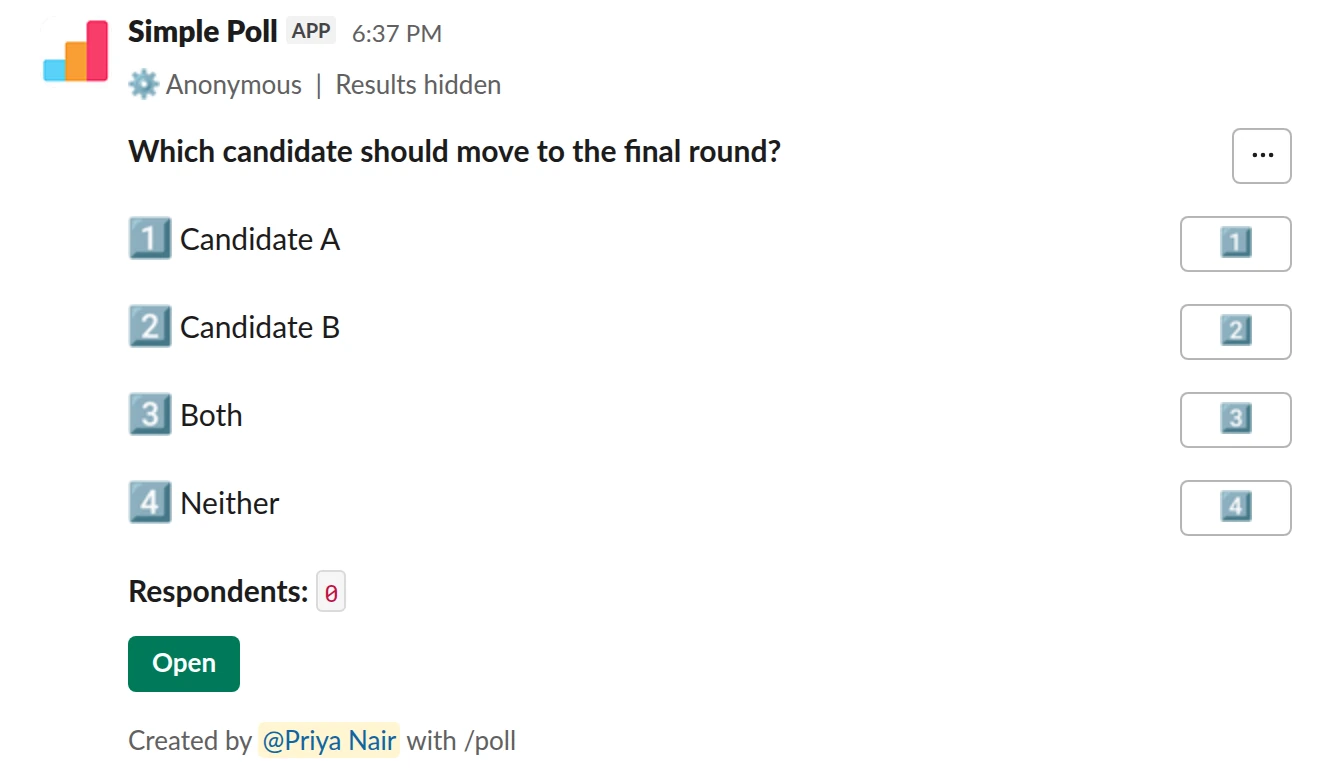
Choice poll. A sensitive hiring vote with hidden results until you close it. Free.
/poll "Which candidate should move to the final round?" "Candidate A" "Candidate B" "Both" "Neither" anonymous hide results
Free
AnonymousShow results: hidden until poll closes
Why the invite is needed
Slack keeps private channels private from apps as well as people. Simple Poll joins public channels on its own when you post a poll there, but in a private channel a member has to add it. You only do this once per channel. Simple Poll also needs to be in the channel to share results there and to use its other features.
Slack Connect channels
Polls work in Slack Connect channels shared with other organisations. Two things have to be true: Simple Poll is installed in each workspace taking part, and, if the shared channel is private, Simple Poll has been invited to it with /invite @Simple Poll.
Group DMs and testing privately
A plain /poll works in a group DM, but automatic closing, reminders and recurring polls need Simple Poll as a member of the conversation. For those, Simple Poll's help centre recommends converting the group DM to a private channel first. In Slack, open the group DM, click the names in the conversation header, go to Settings and choose Change to a private channel. Messages already in the group DM become visible to anyone you add to the channel later.
To try a poll out where nobody else can see it, post it in your own DM with Simple Poll, or in a private channel with only you in it.
Private channel, still not anonymous
A private channel limits who sees the poll. It doesn't hide who voted. If the question is sensitive, such as feedback for a manager or a vote among leads, add anonymous too, and consider hide results so early votes don't steer the rest.
Questions
Why does my poll fail in a private channel?
Simple Poll isn't a member of the channel yet. Type /invite @Simple Poll in the channel and try again.
Do I need to be an admin to invite Simple Poll?
Inviting the app to a channel is something a channel member does. Installing Simple Poll in the workspace in the first place may need an admin, depending on your workspace's settings.
Can people outside the private channel see the poll?
No. The poll is a message in the channel, so only members see it.
Does it work in Slack Connect channels?
Yes, as long as Simple Poll is installed in each workspace involved and invited to the channel if it's private.
Related
- How to create a poll in Slack
Slack has no poll button of its own. Its help centre suggests two routes: install a polling app, or post a message and ask people to vote with emoji reactions. This guide covers the app route with Simple Poll, used by 945,000+ teams, because it gives you a real poll: counted votes, anonymous voting, one-vote limits and a clean result.
- How to create an anonymous poll in Slack
An anonymous poll in Simple Poll hides who voted for what from everyone, including the person who created it. The poll still counts every vote and shows the totals. It's free on every plan.
- How to use the /poll command in Slack
/poll is Simple Poll's slash command. Typed on its own, it opens the poll form. Typed with a question, options and a few keywords, it builds the whole poll in one line, shows you a preview, and posts it. This page is the reference for the one-line version.
- Slack polls for executive assistants
Assistants run the logistics nobody else wants to chase: when the leadership team can meet, what everyone eats, who is coming, which venue. Most of that used to be a thread of forty replies you had to tally by hand. A poll tallies it for you and gives the thread a deadline.
- Polls for Slack communities
A Slack community is not a company. Nobody has to answer you, half the members are lurkers, and a careless @channel reaches thousands of people who did not ask for it. Polls work well here because they are the lowest-effort way for a quiet member to take part: one click, no message to write.