Example polls
Paste any of these into the message box in Slack.
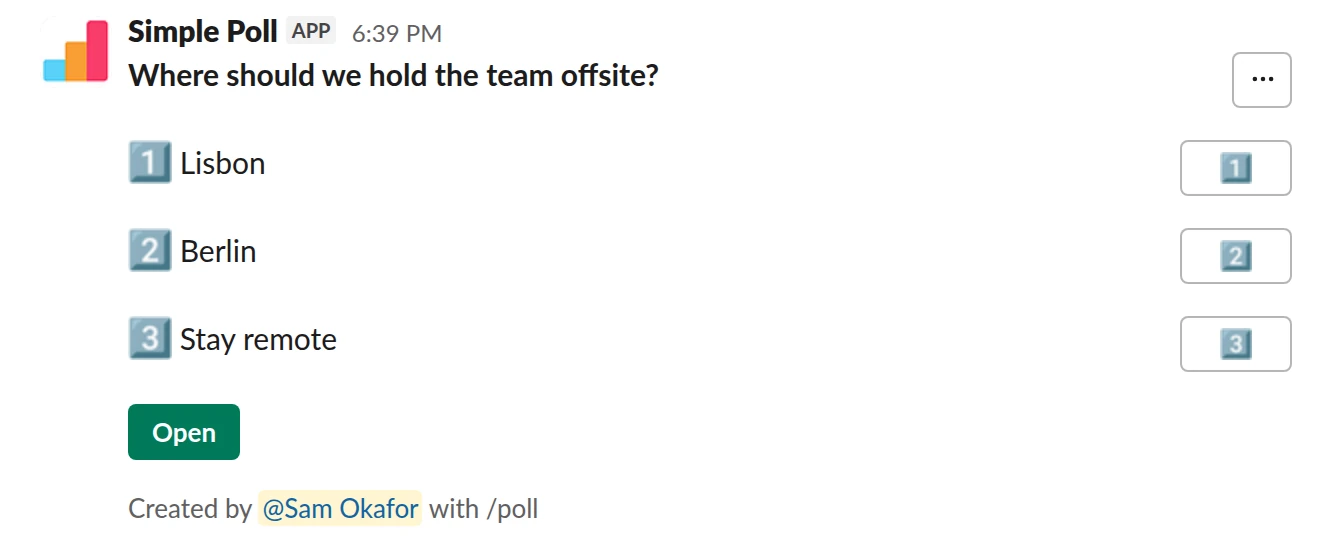
Choice poll. The basic form. Question and options in double quotes.
/poll "Where should we hold the team offsite?" "Lisbon" "Berlin" "Stay remote"
Free
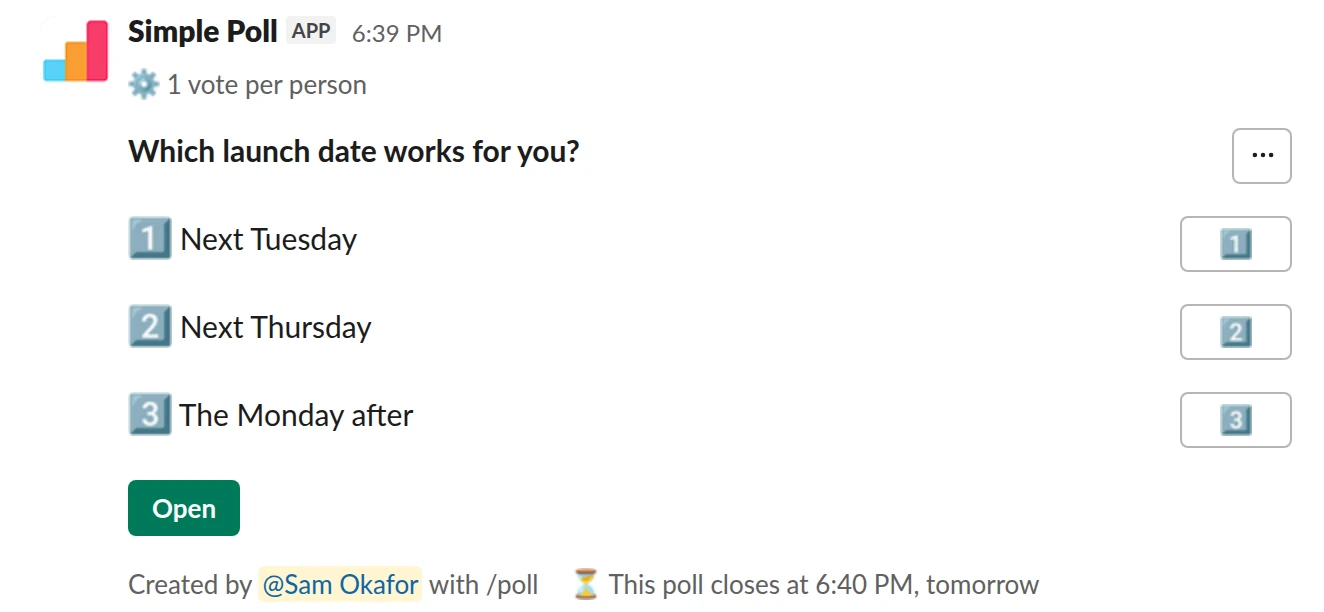
Choice poll. Modifiers after the last quote, here a one-vote limit and an automatic close.
/poll "Which launch date works for you?" "Next Tuesday" "Next Thursday" "The Monday after" limit 1 close after 1 day
Premium: vote limits, closing automatically
Limit votes: 1 per personClose automatically: after 1 day
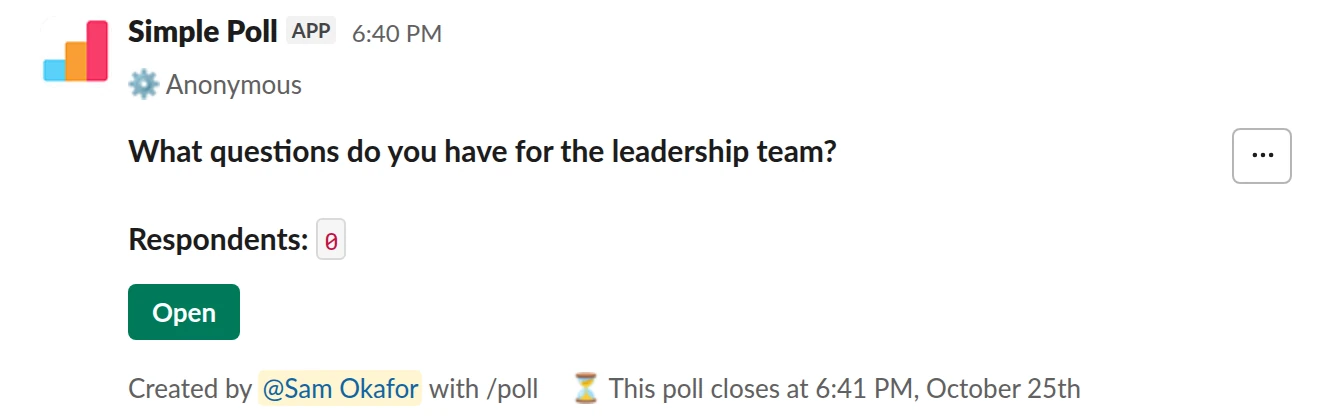
Q&A. A different poll type, an anonymous Q&A, from the same command.
/poll "What questions do you have for the leadership team?" q&a anonymous close after 3 days
Premium: closing automatically
AnonymousClose automatically: after 3 days
How /poll works
/poll works two ways:
- On its own. Type
/polland press Enter to open the Simple Poll modal, a form with every setting, including scheduling and recurring polls. - With text. Type the whole poll in one line and Simple Poll shows you a preview to post. This is the fast way once you know the grammar.
The other command you might need is /simplepoll trial, which starts the free 14-day
Premium trial for your workspace.
The /poll grammar in brief
- Put the question and each option in straight double quotes:
/poll "Lunch?" "Pizza" "Tacos". - Put modifiers after the last quote, separated by spaces:
anonymous,limit 1,close after 1 day,ranked,scale,short text,q&a. - Spelling matters. A misspelt modifier like
anonymusis ignored, and you'd get a poll that isn't anonymous. Check the preview. - No double quotes inside an option. Use single quotes or reword.
- No options means voters add their own:
/poll "What should we call the new bot?".
limit, close after, reminders, schedule, more than five options and surveys are
Premium. The full reference is in how to use the /poll command.
The mistake people make
Typing the options without quotes. The quoted form is the reliable one: it keeps multi-word options together and stops words being read as settings.
Questions
What happens if I type /poll with nothing after it?
It opens the Simple Poll modal, where you fill in the question, options and settings in a form.
Why didn't my /poll modifier work?
It was probably misspelt or written inside the quotes. Modifiers go after the last closing quote, spelt exactly.
Related
- How to use the /poll command in Slack
/poll is Simple Poll's slash command. Typed on its own, it opens the poll form. Typed with a question, options and a few keywords, it builds the whole poll in one line, shows you a preview, and posts it. This page is the reference for the one-line version.
- How to create a poll in Slack
Slack has no poll button of its own. Its help centre suggests two routes: install a polling app, or post a message and ask people to vote with emoji reactions. This guide covers the app route with Simple Poll, used by 945,000+ teams, because it gives you a real poll: counted votes, anonymous voting, one-vote limits and a clean result.
- What is a straw poll?
A straw poll is an informal, non-binding vote that shows which way a group is leaning before a real decision is made.
- How to make an emoji poll in Slack
"Emoji poll" means two things in Slack. One is a message where people vote by reacting with an emoji, which needs no app. The other is a proper poll where each option carries an emoji, which reads faster and still counts votes properly. This page covers both, plus the poll emoji themselves.